Gallery
See what others have created
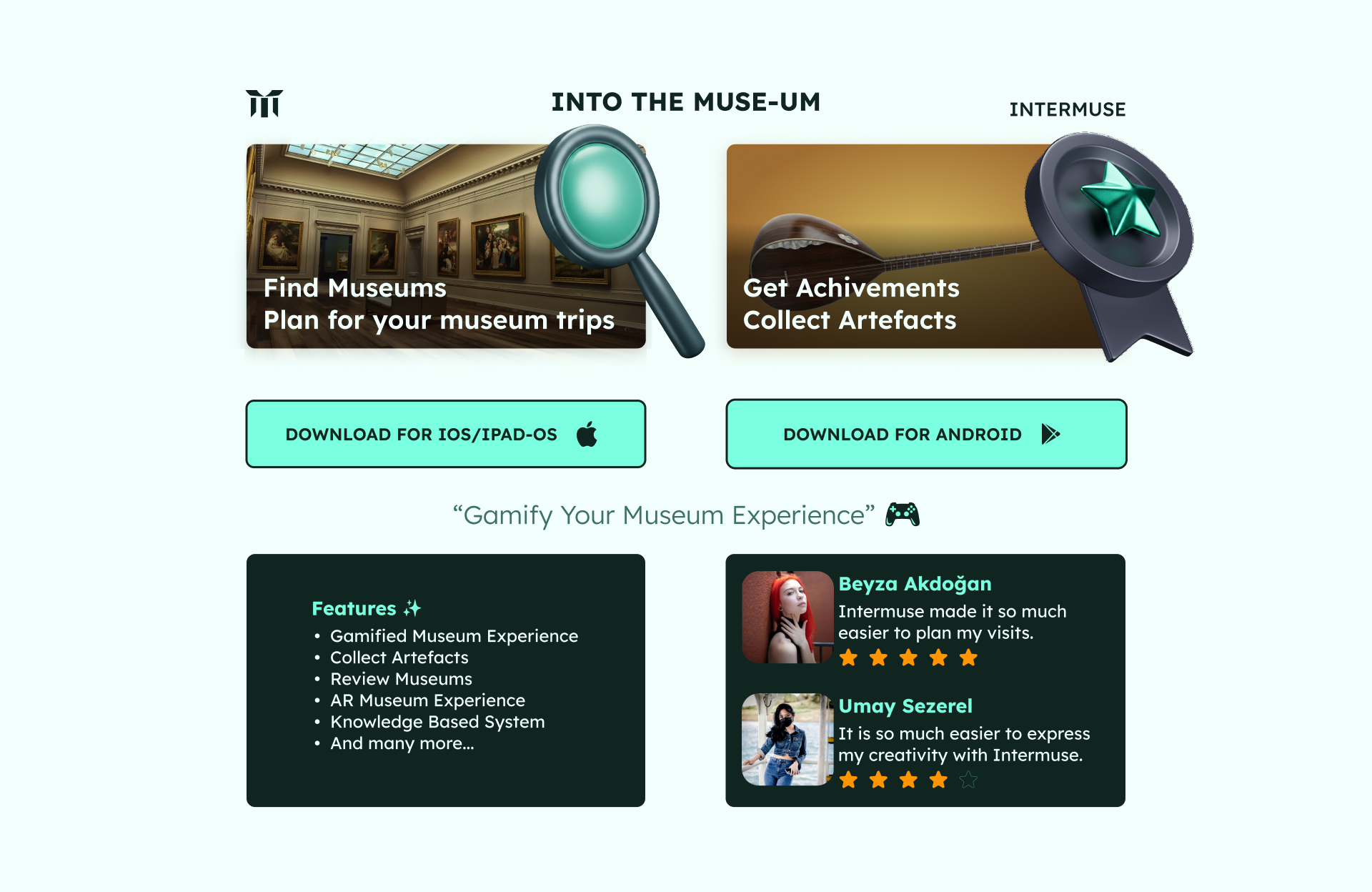
lila
@lila
Download App Section
Design a download app section that gets one job done: send people to the right app store fast. The section should have a clear headline, a short line that explains why the app is worth installing, and two store buttons for iOS and Android as the main actions.
Make the platform choice easy to scan. Use recognizable store badges or icons, label each button clearly, and keep the hierarchy simple so the primary action reads before any supporting copy. If the page is meant to support both mobile and desktop, show how the section adapts without hiding the buttons or shrinking them into noise.
Add only one layer of trust or context below the CTA, such as a star rating, review count, device compatibility note, or a short feature callout. Keep it secondary. The design should feel like a clean handoff to the app store, not a product pitch block.
What to deliver
- Design a section title and short supporting line.
- Create two primary store buttons for iOS and Android.
- Add platform icons and clear store labels.
- Include one secondary trust cue, such as rating, review count, or device compatibility.
- Show a mobile and desktop layout if the section needs to adapt.
Inject personality into the 'Download App Section' by customizing the design of the download buttons to reflect the app's branding.