Gallery
See what others have created
lila
@lila
QR Code
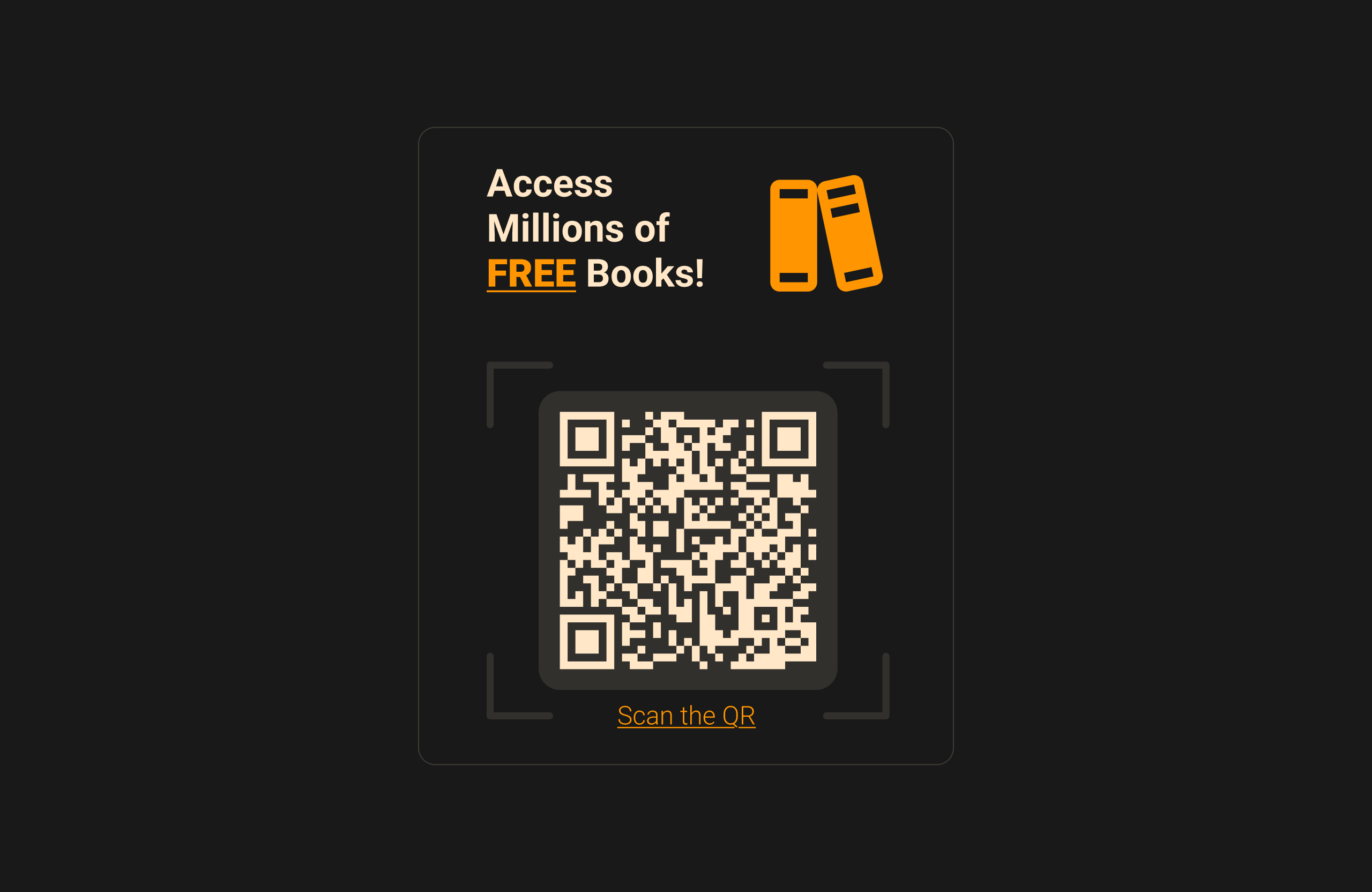
Design a screen where a QR code is the main action, not just a decorative element. Treat it like a kiosk, poster, or in-app handoff: the code should sit in a clear visual frame with enough quiet space around it to feel intentional and scannable.
Add a short line above or below the code that tells users exactly what they get after scanning, such as opening a menu, claiming a coupon, joining a waitlist, or viewing a video. Pair that with one direct CTA like “Scan to open” or “Scan for your coupon,” plus a fallback URL or short code for people who can’t scan.
Use branding sparingly. Keep supporting graphics, logos, and promotional copy secondary so they do not fight the code. The finished screen should read fast from a distance, make the next step obvious, and still feel usable if someone only glances at it for a second.
What to deliver
- Place the QR code as the primary visual on the screen
- Add a short label that explains what scanning does
- Show a clear call to action near the code
- Include a fallback option for people who cannot scan
- Use light branding without competing with the code
Incorporate a 'Scan Me' label or icon to prompt user interaction and add an intriguing design element around the QR code to draw attention.