Gallery
See what others have created
lila
@lila
Inline message
Design a single inline message component that appears directly beside or below the control it relates to. Treat it as part of the layout, not a floating notice. The message should work in a form, settings panel, or data entry flow where the user needs feedback without losing context.
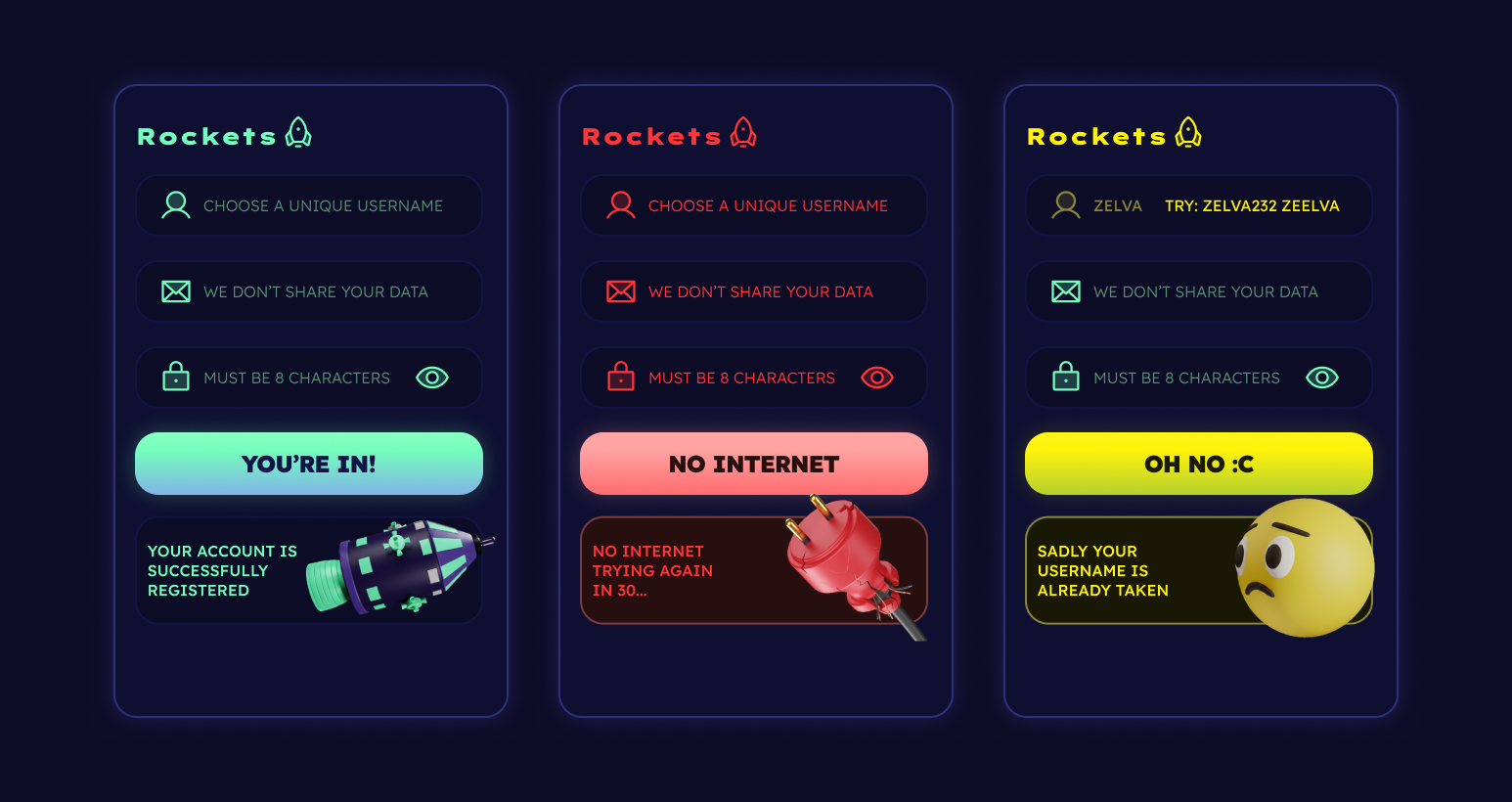
Show the component in three states: helper text before input, validation feedback after an action, and a resolved state once the issue is fixed or the task is complete. Make the hierarchy clear with copy length, icon, spacing, and color, but keep the component compact enough to sit inside dense interfaces.
Pick one concrete use case and design for it end to end. For example: a field that shows a hint before typing, an error after invalid input, and a short success note after correction. The message should read in place, stay aligned with nearby controls, and never look like a modal, toast, or banner.
What to deliver
- Design an inline message in context next to the field or control it refers to
- Show default, visible, and dismissed states
- Include one success, one error, and one helper variant
- Define the trigger that reveals the message and the action that clears it
- Keep the message aligned to the form layout without breaking flow
Spark creativity by exploring inline messages as fun characters giving advice or warnings. This can enhance user engagement and promote a memorable experience.