Gallery
See what others have created
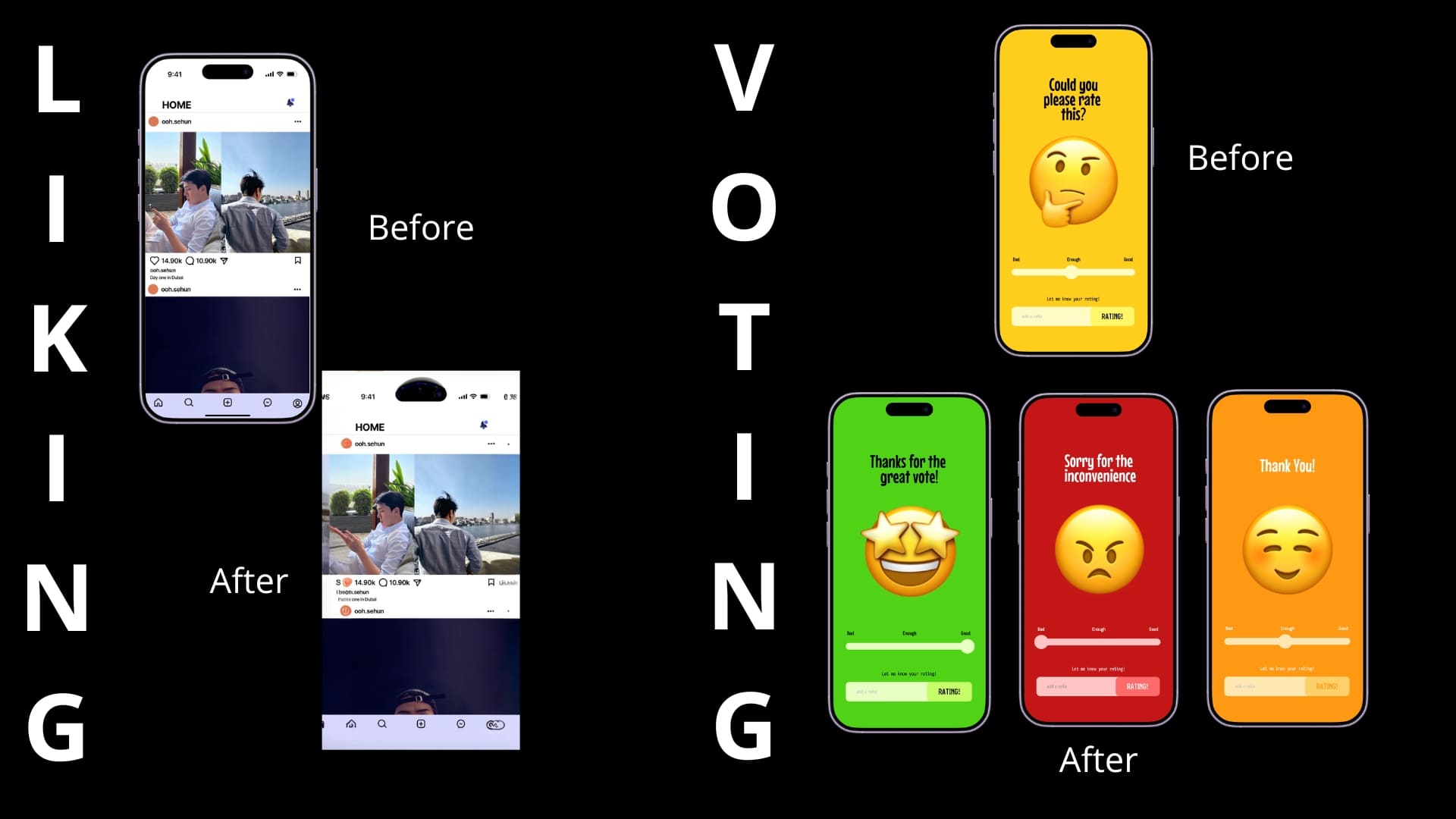
hi_thirrr
@hi_thirrr
Liking & Upvoting
Design the interaction for liking a post or upvoting content in a feed, thread, or detail view. This should read as a small but complete flow, not just a single icon swap. Show how the control looks before the action, while it is being pressed, after it is active, and when the user turns it off again.
Make the feedback immediate and easy to read. If the count changes, show exactly how it updates. If the action triggers motion, keep it subtle and tied to the state change rather than decoration. The active state should be obvious at a glance, especially when the same control appears across different content types.
Include the cases where the action is unavailable or fails. Show loading, disabled, and error states, and make it clear whether the user can retry or undo. Keep the control compact enough for dense content, but still readable and tappable on mobile and desktop.
What to deliver
- Design the default and active states for like and upvote controls.
- Show the tap/click feedback and count update after action.
- Include undo or toggle-off behavior for the same control.
- Show disabled, loading, and error states for failed votes.
- Define the animation or motion used for the state change.
When designing 'Liking & Upvoting' flows, consider the emotional impact. A delightful animation or satisfying 'click' sound can significantly enhance user engagement.