Gallery
See what others have created
sheeshable
@sheeshable
Call
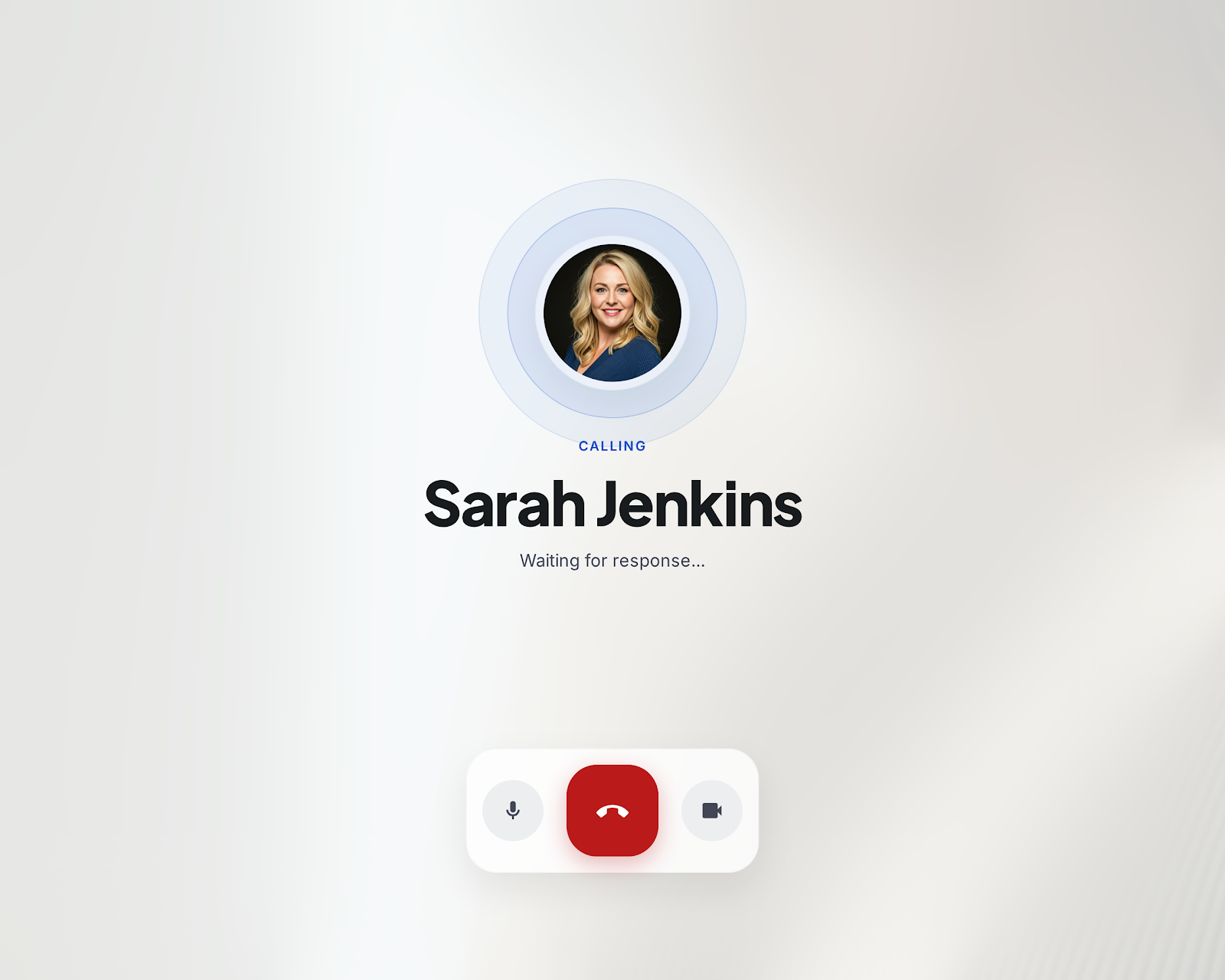
Design a call initiation screen for a mobile app. The screen should make it obvious who is being called, what kind of call is being placed, and what happens next. Treat this as a focused pre-call experience, not a generic contact page.
Show the contact’s name, avatar, and any useful context, then place the main call action where it can be found immediately. If both phone and video are available, present them as distinct choices with one clearly primary option. Keep secondary actions close, but out of the way.
Include the controls a user expects before connecting: mute, speaker, and camera where relevant. The interface should also cover the calling state, a connected state, and a failure state with a clear retry path. If the call cannot start, preserve the selected contact and the chosen call type.
Design for fast scanning and low friction. The screen should work for someone calling a saved contact or jumping in from a recent call list, and the hierarchy should stay readable in a single glance.
What to deliver
- Design a call-start screen with contact identity, call type, and primary action.
- Show phone and video call options with clear priority and labels.
- Include a pre-call state with mute, camera, and speaker controls.
- Design calling, connected, and failed states with clear next steps.
- Add a compact recent-calls or favorite-contacts entry point.
Incorporate familiar symbols like a telephone or video camera icon for instant recognition and a quick learning curve. Bonus points for smooth animations that delight users during the call initiation process.