Gallery
See what others have created
sheeshable
@sheeshable
Flag & Report
Design the flag/report flow for a single piece of content inside the app. Start from the content view, where the user can open a compact action menu and choose Report or Flag. The entry point should be visible but not louder than the content itself.
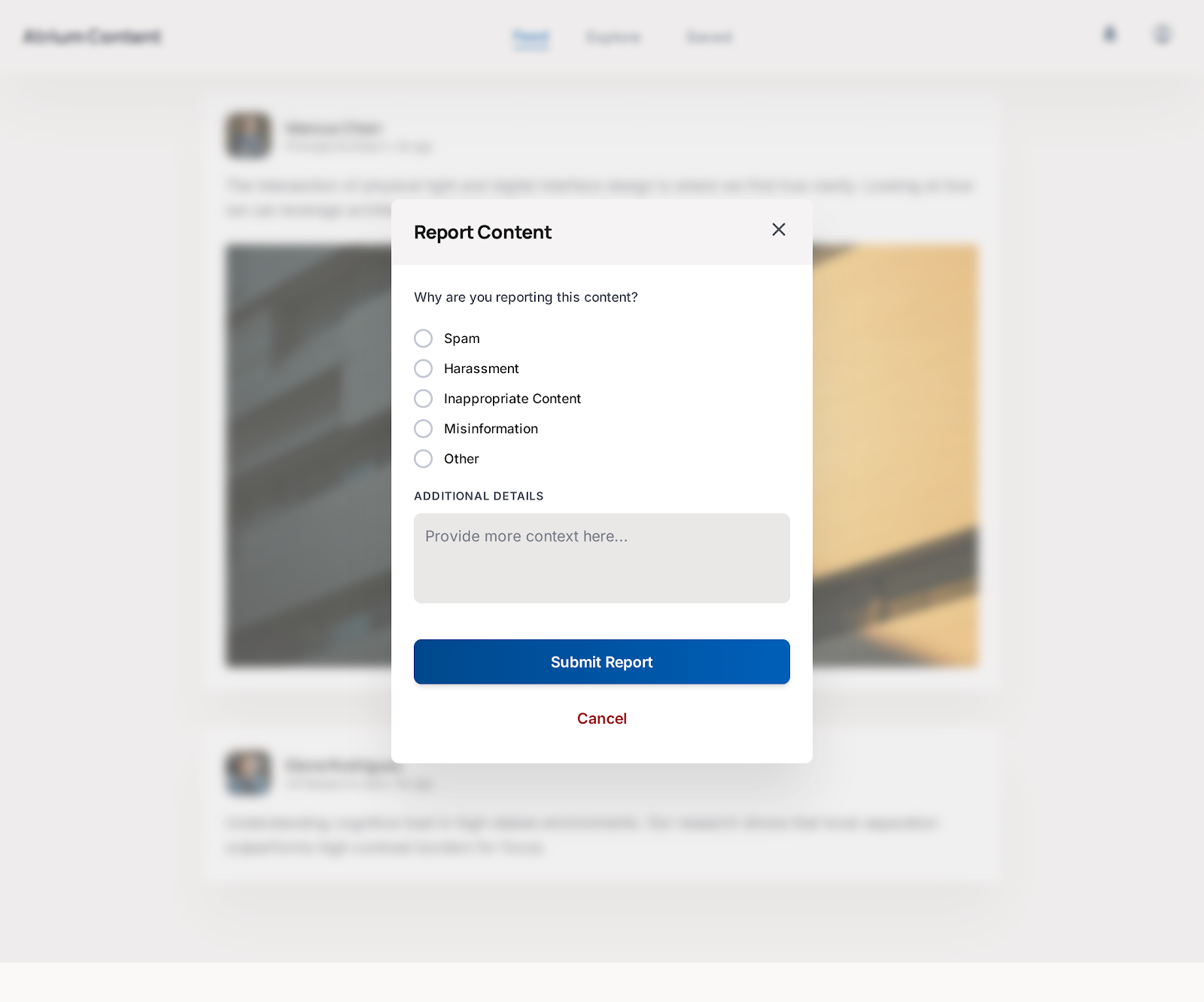
The report screen should let the user pick one issue type, such as spam, harassment, hate speech, misinformation, or something else. Use radio buttons, a dropdown, or a clear list of options — whichever makes the choice fastest to read on one screen. Add an optional comment field for context, and keep the primary action disabled or low-emphasis until a reason is selected.
After submit, show a confirmation state that says the report was sent and what happens next. If the user backs out, the flow should preserve any selected reason or typed text. Include basic error handling for a failed submission so the user can retry without starting over.
What to deliver
- Design the content overflow action that opens report options.
- Design the report form with issue type selection and optional details.
- Include a confirmation state after submission.
- Include a cancel/back path that preserves any entered input.
Incorporate elements of visual feedback, like highlighting or checkmarks, to reassure users that their actions have been registered.