Gallery
See what others have created
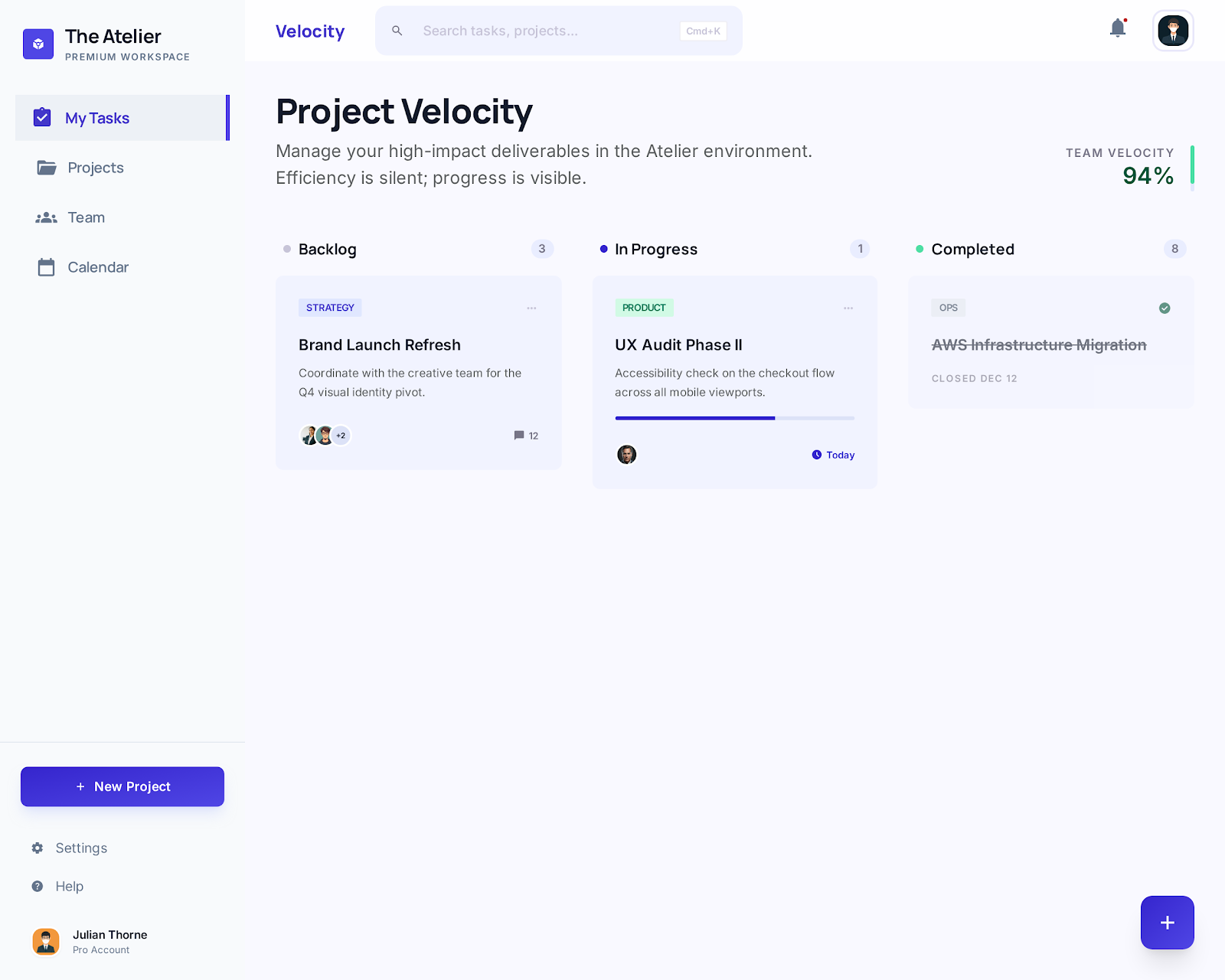
sheeshable
@sheeshable
App Shortcuts
Design an in-app shortcuts component for a productivity app. This is not a launcher screen; it is a compact control surface for common actions users repeat often, such as compose message, create task, search, or open a saved view.
Show the component in a realistic placement inside the app, like a home sidebar, top bar menu, or quick actions panel. Keep the layout tight and scannable. Each shortcut should have an icon, a short label, and a clear visual hierarchy so the user can tell what is primary, secondary, or disabled at a glance.
Design the key interaction states: default, hover or pressed, focused for keyboard use, and disabled. If you include helper text, keep it secondary to the action itself. The component should feel native to the product, but still stand out enough that users can spot and use it quickly.
What to deliver
- Design a shortcut grid or list for 4–6 common app actions
- Show the default, hover/pressed, and disabled states for each shortcut
- Include labels and icons that make each action understandable without a tooltip
- Place the component in a realistic app context, such as home or dashboard
- Add one interaction hint for long-press, right-click, or tap-and-hold if relevant
Maximize the utility of your app shortcuts by conducting user research to determine the most desired actions within your application.