Gallery
See what others have created
x01wf21
@x01wf21
Coach Marks & Instruction
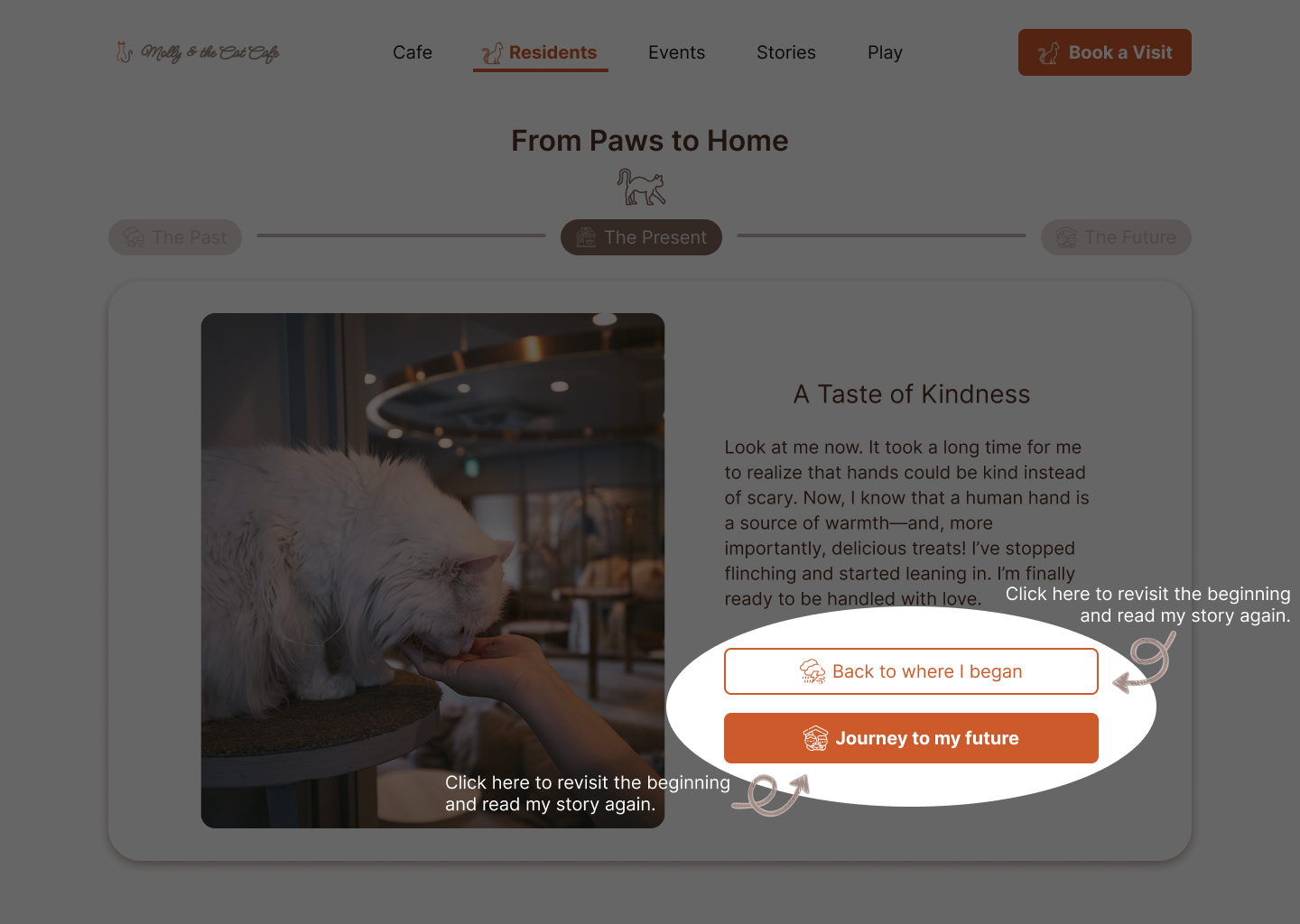
Design a first-run coach-mark flow for a SaaS screen with one new or easily missed feature. Pick a real interface surface — dashboard, settings, editor, or workflow step — and show how the guidance appears in context, not as a separate tutorial page.
Use a small number of steps, ideally 1–3. Each step should point to a specific control, explain only what the user needs to do next, and leave the rest of the interface visible. The highlight, pointer, and copy should work together so the user can identify the target in under a second.
Include the full interaction state: initial appearance, next step, skip/dismiss, and completion. If the feature needs multiple instructions, show how the coach mark advances without trapping the user or covering critical controls. Keep the tone plain and task-focused, like a product walkthrough built into the UI.
What to deliver
- Design a 1–3 step coach-mark overlay for a first-time user
- Call out the target element with a pointer, highlight, or spotlight
- Write the instructional copy for each step
- Include primary and secondary actions for each coach mark
- Show how the user exits, skips, or advances the flow
Inject personality into your Coach Marks & Instructions to make the learning process more engaging and lessen the feeling of being 'instructed'.