Gallery
See what others have created
sheeshable
@sheeshable
Playing audio
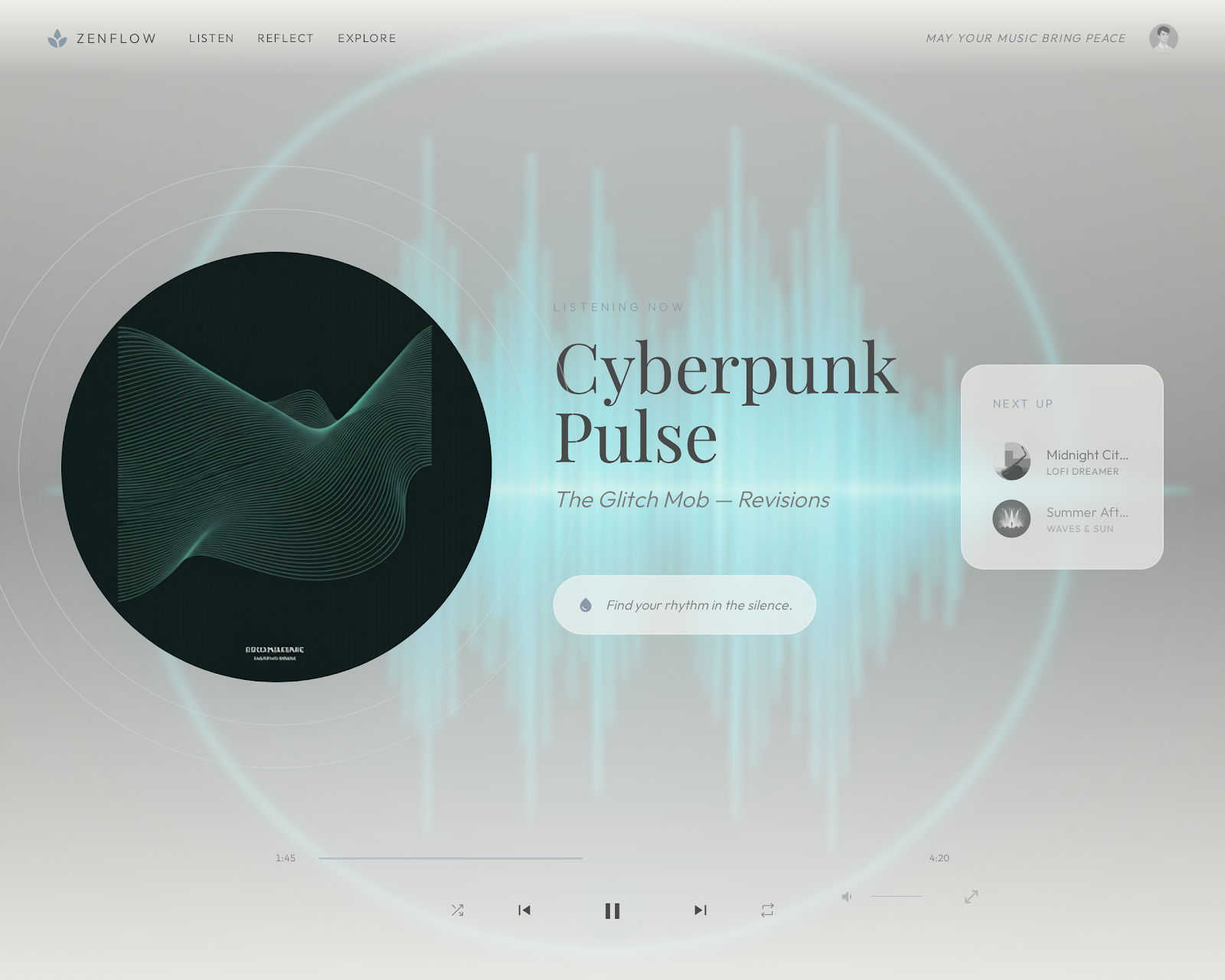
Design an audio player for a product where listening is a core task, not a side feature. The player should make the current track obvious, expose the main playback controls immediately, and keep progress readable without extra effort.
Include the states a real user hits: idle, loading, playing, paused, buffering, and finished. Show how the player behaves when audio is long-form, when the user scrubs, and when playback fails or resumes after interruption.
Decide what lives in the main surface versus what gets tucked away. If you include volume, queue, speed, or track switching, make sure the hierarchy still favors play/pause and progress. Also show a compact or persistent version if the player needs to stay available while users move through the product.
Treat the player as part of the product system, not a media widget pasted on top. The layout, states, and controls should feel consistent with the rest of the interface while still being clear enough to operate fast.
What to deliver
- Design a compact audio player with play/pause, scrubber, and time display.
- Include volume control and track navigation where relevant.
- Show loading, buffering, playing, paused, and ended states.
- Add a visible queue or current-track context if the player supports multiple items.
- Design a minimized version for persistent playback.
Keep accessibility in mind: use descriptive labels and ensure that controls are easily navigable for all users.