Gallery
See what others have created
sheeshable
@sheeshable
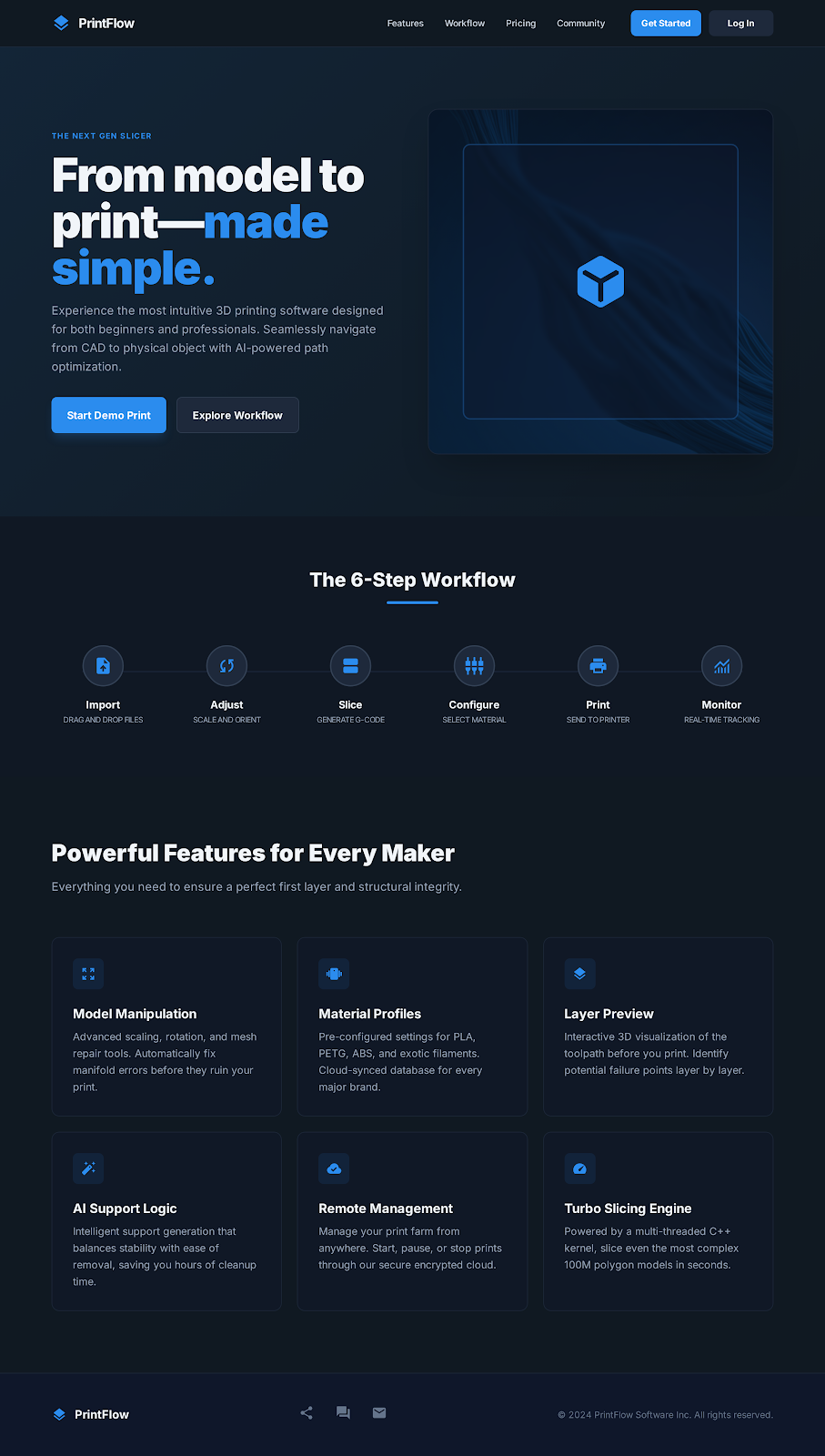
3D Printing Software Interface
Design the desktop print-prep screen for a 3D printing app. The user should be able to load a model, inspect it in 3D, and get it ready to slice without leaving the page. Make the build plate, model viewport, and settings panel feel like one workspace, not separate screens.
Include the controls a maker uses before printing: move, rotate, scale, auto-orient, add or remove supports, set infill, choose layer height, and pick material or printer profile. Show the live effect of each change on the model and surface the most important print constraints, like fit on the bed, overhangs, and estimated print time.
The interface should also show printer connection and job readiness. Surface device status, nozzle and bed temperature, filament or resin level, and any blocking warnings before the user starts slicing. If something is wrong, the fix should be visible in place, with the model or setting that caused the issue still on screen.
Finish with a slice-and-print flow that makes the next step obvious. Include layer preview, print estimate, and a clear start action, plus empty, disconnected, and error states that help the user recover fast.
What to deliver
- Design the main print-prep workspace with 3D model preview, build plate, and tool rail.
- Show controls for orientation, scale, placement, supports, infill, and layer settings.
- Include a printer connection panel with device status, material, temperature, and estimated print time.
- Add a slicing preview with layer view, warnings, and a clear print button.
- Design error and troubleshooting states for failed connection, out-of-bounds model, and material issues.
Inject some creative visuals by using a motif of filament-like flows or layering effects to represent the 3D printing aspect in your interface.