Gallery
See what others have created
obeyron
@obeyron
Settings & Preferences
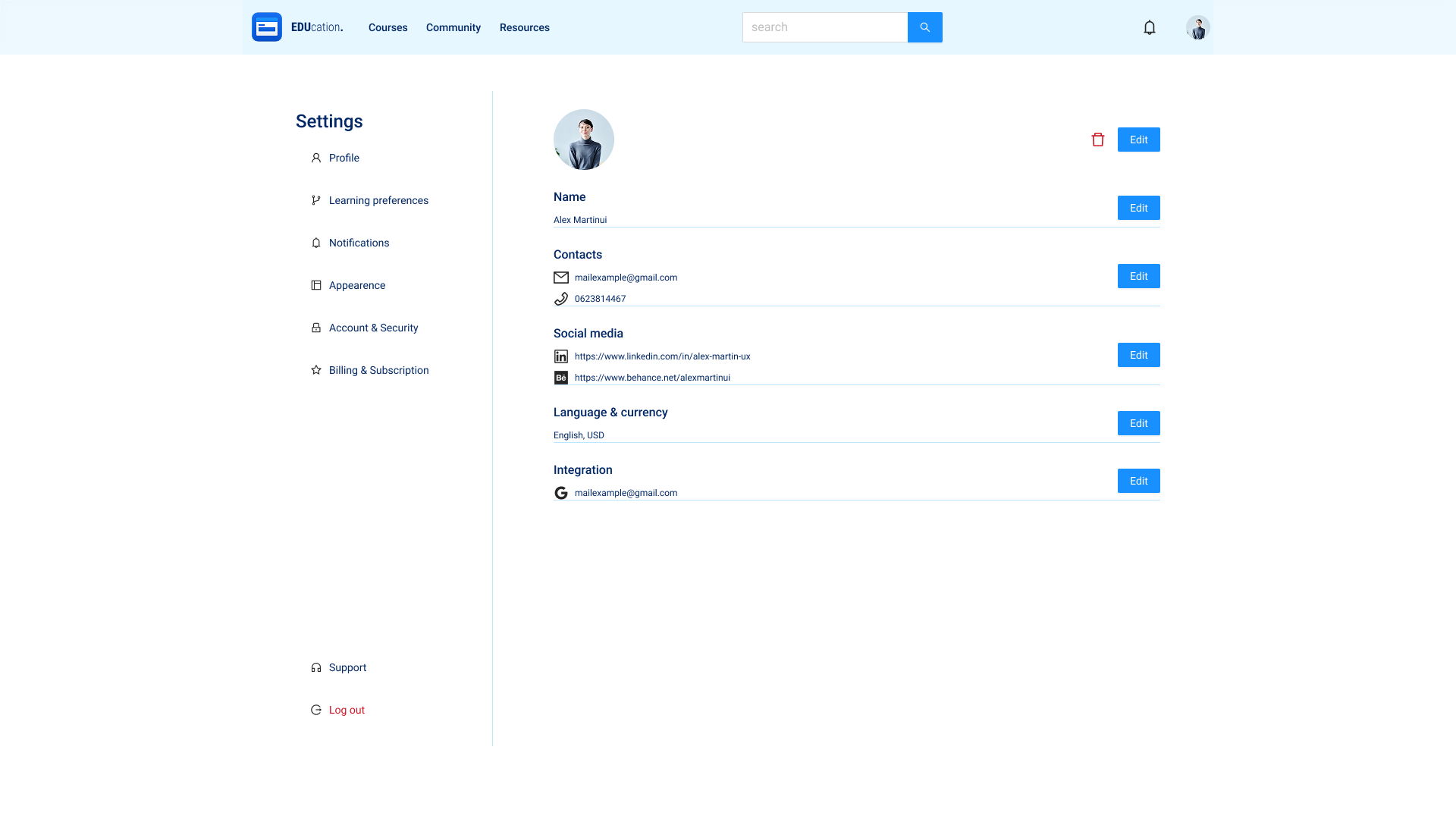
Design a settings and preferences screen for a product users return to when they want to manage their account, notifications, privacy, and interface options. Treat this as a real destination screen, not a generic form dump: the layout should make it obvious where each setting lives and what can be changed in place.
Group settings into clear sections with strong labels and short supporting copy where needed. Include common controls such as text fields for account details, toggle rows for on/off preferences, dropdowns for language or timezone, and sliders or radio groups where a range or single choice makes more sense. Keep the visual hierarchy simple so the page can be scanned quickly.
Show how the interface handles both routine edits and more sensitive actions. Add a clear save or update pattern if changes are not immediate, surface confirmation for destructive actions like sign out or delete account, and leave room for inline help or tooltips when a setting needs explanation.
The screen should feel calm, organized, and easy to navigate. Use spacing, section dividers, and iconography sparingly to separate groups without making the page feel busy. Make the return path to the main app obvious.
What to deliver
- Design a settings home screen with grouped sections and clear labels.
- Include account, privacy, notifications, and appearance controls.
- Show at least one editable form field, one toggle list, and one dropdown/select.
- Add a destructive action area for sign out or account deletion.
- Design a clear back path to the main app or dashboard.
Embrace subtlety in your design—a simple change in shading or animation can greatly improve user experience.