Gallery
See what others have created
x01wf21
@x01wf21
Dynamic table
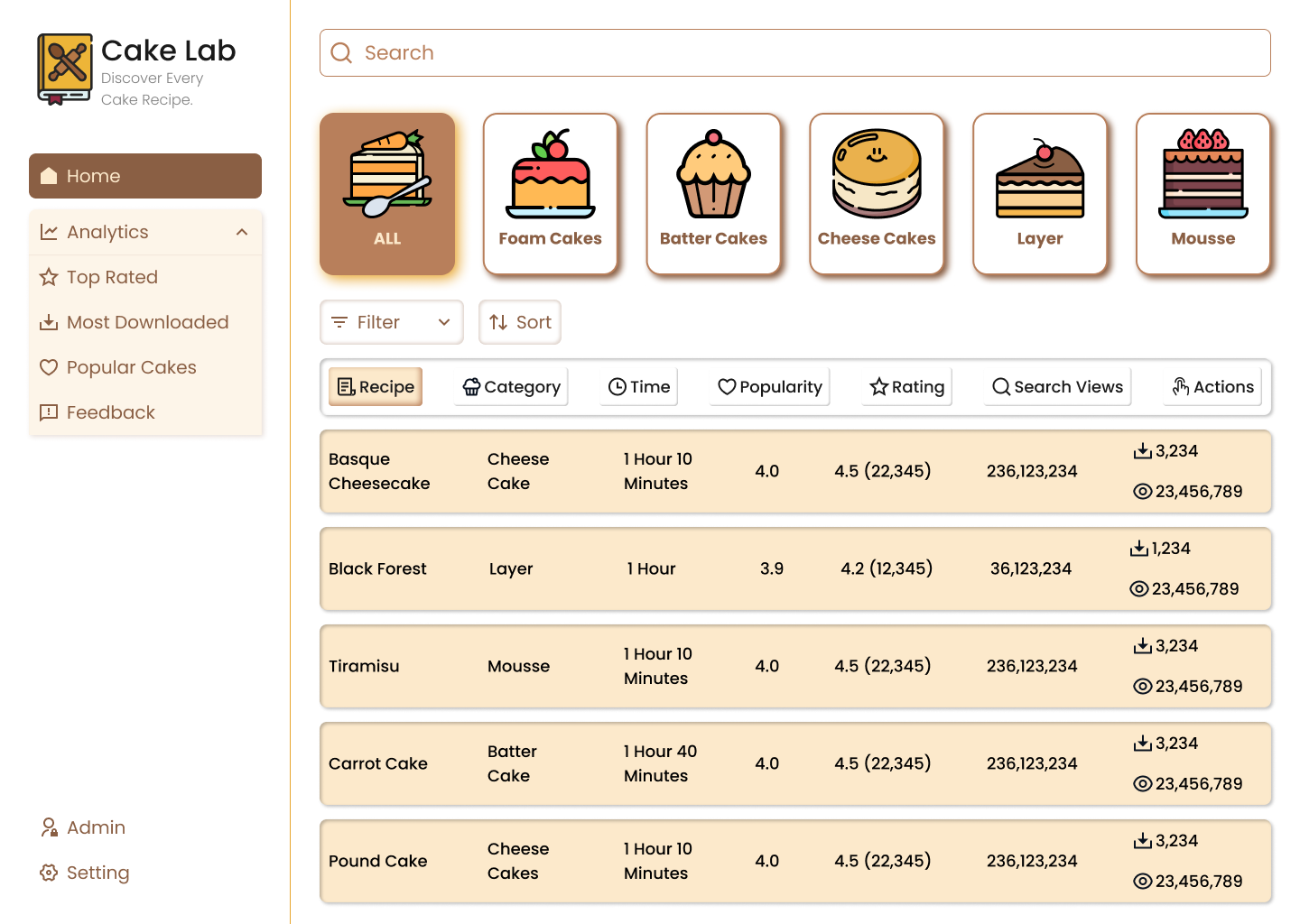
Design a data table for a workflow where users scan records, narrow them down, and act on multiple items at once. The table should support sorting, column filters, row selection, and bulk actions without turning the interface into a control dump.
Make the default state easy to read: clear header labels, visible sort direction, filter chips or controls that show what is active, and row states that don’t fight with selection. If rows can be opened or edited, make that action obvious without hiding the table’s primary scanning use case.
Show what happens when the table is busy or has nothing useful to show. Include loading, empty, no-results, and error states that preserve context and point to the next step. If filters are active, the no-results state should explain that the current view is the problem, not the data itself.
Design the responsive behavior as part of the component, not an afterthought. On narrow screens, decide which columns stay visible, how overflow is handled, and how selection and bulk actions remain usable. The table should still feel like a table, even when space is tight.
What to deliver
- Design a table with sortable columns, filters, and row selection.
- Show bulk actions that appear after one or more rows are selected.
- Include loading, empty, no-results, and error states.
- Add pagination or infinite scroll controls with clear position feedback.
- Show responsive behavior for smaller widths, including column collapse or horizontal scroll.
Anchor your table design in real-world utility by considering features like column resizing and sticky headers for enhanced user experience.