Gallery
See what others have created
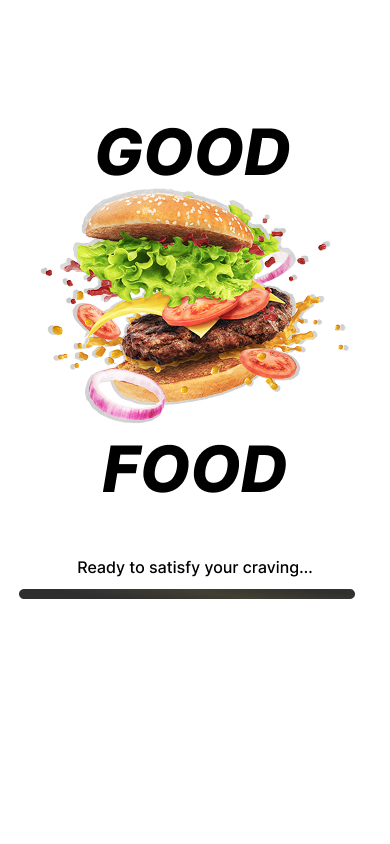
hatefulskirmish
@hatefulskirmish
Launching
Design the hi-fi launch experience for a product, feature, or campaign announcement. This should feel like a real screen someone would see right before, during, or just after launch — not a vague brand concept.
Make the subject of the launch explicit. Show what is launching, who it’s for, and whether it is live now, coming soon, or already available. If timing matters, use a countdown, date, or status label that can be understood at a glance.
Give the user one clear next step: join waitlist, view details, start using, or share the launch. Support it with a secondary action, but keep the main action visually dominant. The composition should carry the brand tone without hiding the information the user needs to act.
What to deliver
- Design the launch state for a product, feature, or campaign.
- Show the main message, what is launching, and when it goes live.
- Include one clear primary action and one secondary path.
- Add pre-launch, live, and post-launch states.
- Show a lightweight countdown or status treatment if timing matters.
Consider using countdown timers, launch-specific branding, and bold calls-to-action to create a sense of anticipation and urgency around the product or service launch in your design.