Gallery
See what others have created
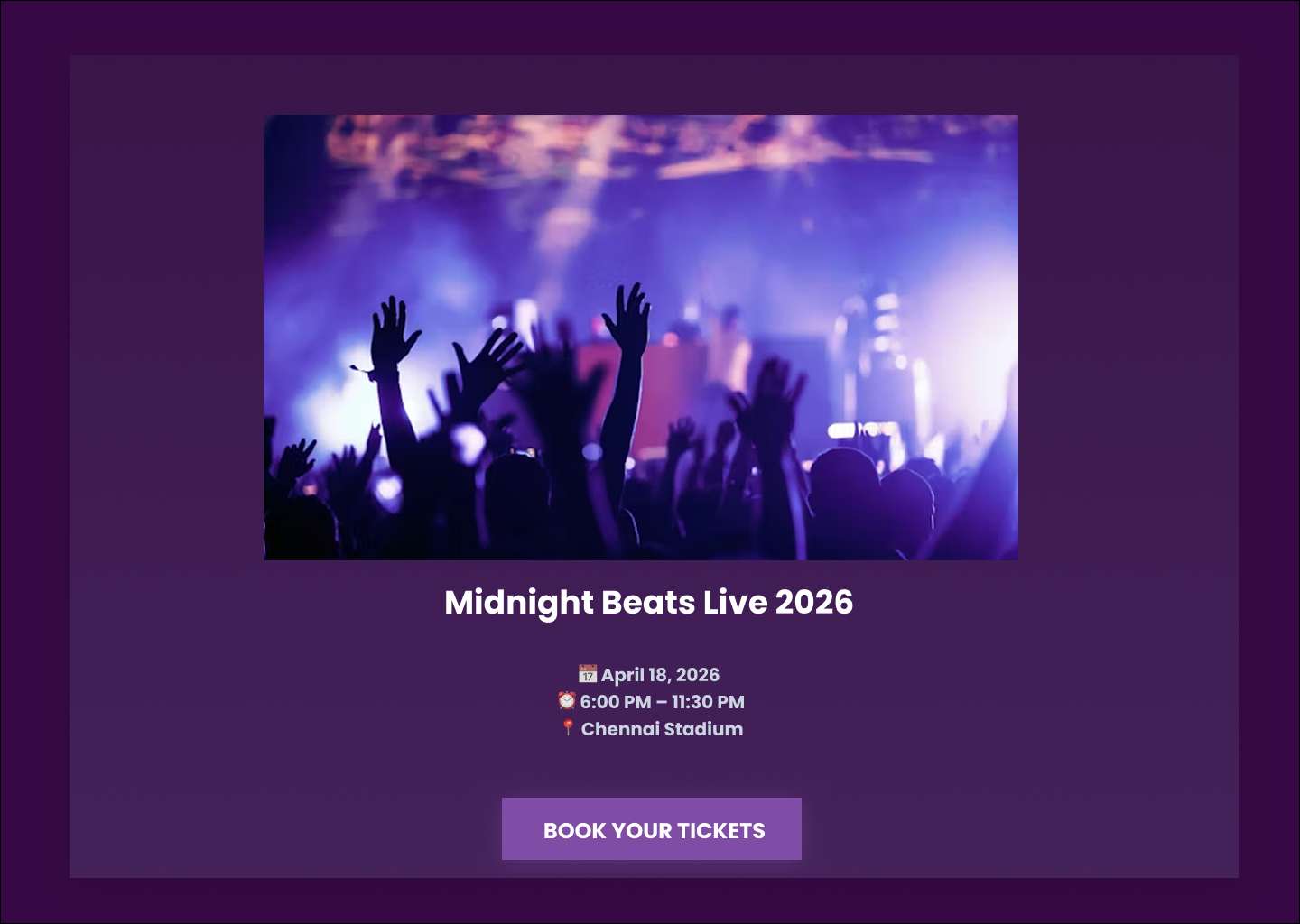
naafiahsarwath29
@naafiahsarwath29
Event Detail
Design an event detail page that helps someone decide whether to attend and what to do next. Start with the facts that matter most: event title, date, time, location, and current RSVP or ticket status. That top section should answer the basic question in a few seconds: what is this, when is it, where is it, and can I still join?
Below the header, give the page a clear structure. Include a short description, agenda or schedule, organizer information, and any speakers, performers, or guests. If the event has a cover image, use it to support the page, not compete with the key details. Keep the layout scannable, with distinct sections and obvious spacing between them.
Make the action area practical. Add a primary RSVP or ticket button, with secondary actions for save, share, and add to calendar. Include useful logistics such as map, parking, accessibility notes, and contact details. If the event is full, canceled, or rescheduled, show that state clearly and replace the main action with the next best step.
What to deliver
- Design the event header with title, date, time, location, and RSVP status.
- Show the main event image or cover with clear visual hierarchy.
- Add a details section for description, agenda, and host/organizer info.
- Include primary actions for RSVP, save, share, and ticket purchase if needed.
- Surface practical info like map, parking, accessibility, and contact options.
Incorporate an interactive element that allows users to quickly add the event to their personal calendars.