Gallery
See what others have created
imiharila
@imiharila
Size Guide
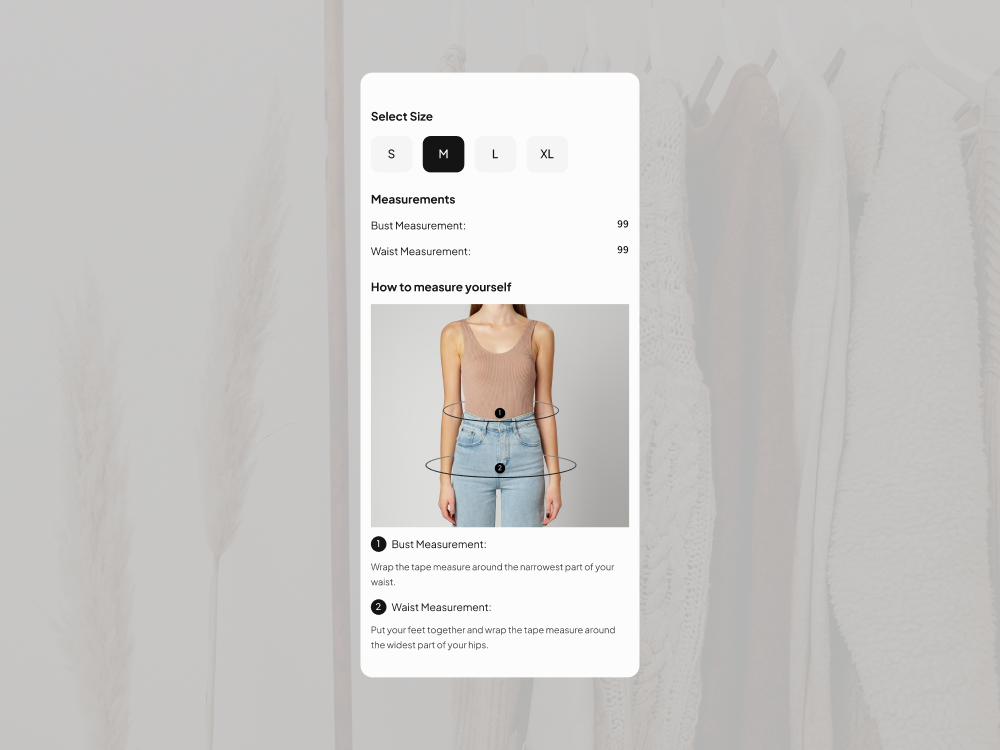
Design a size guide for a product detail page that helps shoppers choose a size fast. The screen should show the current product’s sizing table, with sizes in rows and key measurements in columns. Keep the layout scannable: labels, units, and row alignment need to do most of the work.
Include a visible switch for sizing system or unit type, such as US/UK/EU or inches/cm. When the user changes the system, the table should update in place without losing context. If the product fits differently by color, gender, or style, surface that selector near the table so the shopper knows which chart they are looking at.
Add a small measurement helper that explains how to measure chest, waist, hips, or inseam, depending on the product. Use simple diagrams or callouts, not long paragraphs. If the shopper is between sizes, give them a clear next step, like compare fit notes, view model measurements, or return to the product page.
What to deliver
- Design a size guide screen with size labels and measurement columns
- Include a unit toggle for inches/cm or regional sizing standards
- Show a clear fit selector or product type switch when sizes vary by item
- Add a body-measurement helper with instructions and key landmarks
- Include a return or compare action for shoppers unsure between sizes
Add visual aids like diagrams or models, which can make understanding sizes more relatable and diminish sizing returns.