Gallery
See what others have created
hatefulskirmish
@hatefulskirmish
Searching
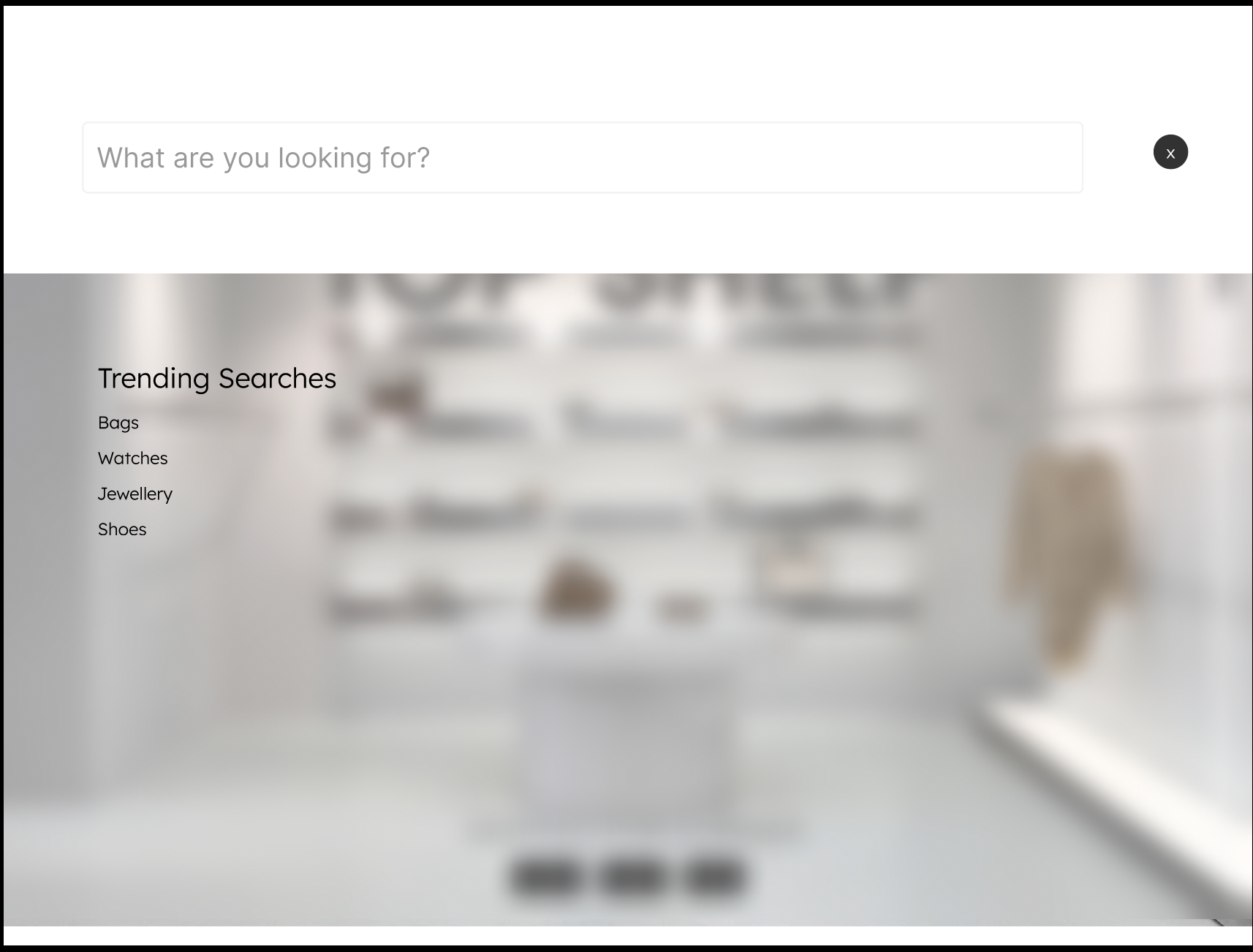
Design the search experience for a product with a meaningful amount of content or records. Start with the idle state: where the search entry lives, how it reads in the layout, and what hint text tells users what they can search for. If the interface supports filters, decide whether they sit inline, in a drawer, or after search starts.
Show the typing state with focus, entered text, and any autocomplete or suggestion behavior. If you include recent searches, make them feel like real shortcuts, not decoration. If search is global, make that clear; if it is scoped to a section, show the scope in the UI.
Design the results state so people can scan matches fast. Include result count, highlighted terms, and enough metadata to tell similar items apart. If there are no matches, the screen should explain why and offer a reset, broader search, or suggested query. If the search fails, keep the query visible and give a clear retry path.
The final screen should make the search flow feel immediate and predictable: enter, refine, review, recover. Avoid hiding the search affordance or burying the next action.
What to deliver
- Design the search entry field with placeholder, icon, and clear action.
- Show the active search state with focused input and query text.
- Design the results view with matching items, counts, and highlighted terms.
- Include empty, no-results, and error states with next-step actions.
- Add a recent searches or suggested queries state for first use.
Make searching delightful! Go beyond functionality and consider micro-interactions or animations when users input search terms or receive their results. This can make a mundane task feel interactive and engaging.