Gallery
See what others have created
ten_year_oldlament
@ten_year_oldlament
Modality
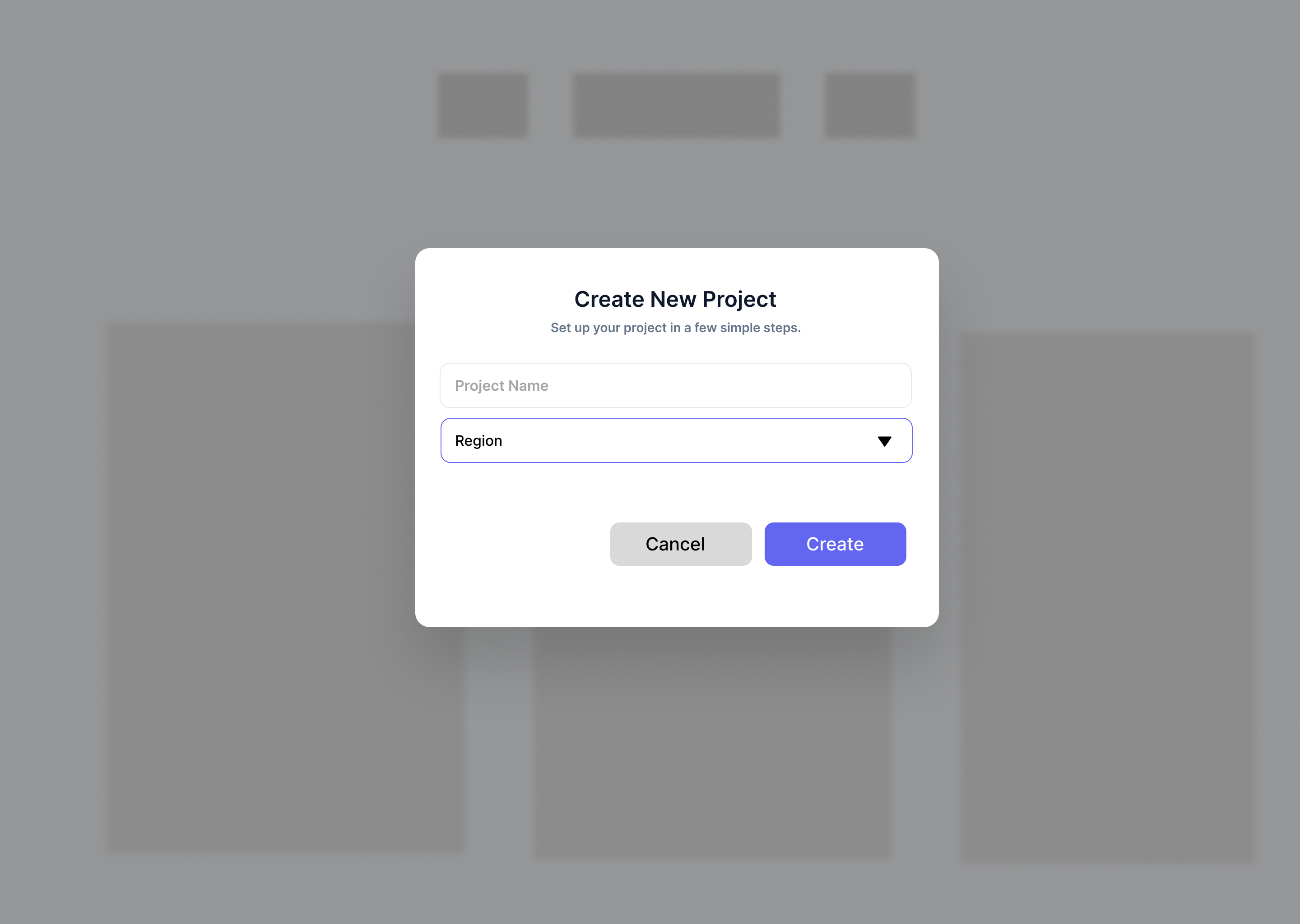
Design a modal flow for a single task that interrupts the current page, such as confirming a destructive action, editing a record, or viewing a focused detail panel. The modal should feel like a temporary layer, not a new page.
Show how the modal is entered, how it reads when open, and how it is dismissed. Include the trigger, backdrop treatment, header, body content, and action row. Make the primary action clear and keep the cancel/close path easy to find.
Design the background state too. The underlying screen should be visible enough to preserve context, but clearly out of play while the modal is active. If you include a full-screen overlay on smaller viewports, keep the same structure and exit behavior.
If the modal contains form fields or a longer decision, show how the layout handles scroll, focus, and error feedback without losing the action buttons. The result should make the mode shift obvious the moment it appears and equally obvious when the user leaves it.
What to deliver
- Design a modal dialog for a single high-priority task.
- Show the trigger state, open state, and close state.
- Include backdrop treatment, dialog chrome, and primary/secondary actions.
- Add at least one dismiss path beyond the close button.
- Show a nested or stacked modal state only if the flow truly needs it.
Did you know that modality can greatly impact user experience? Strike a balance between attention-grabbing and intrusive. Overdoing modality could annoy users, while underutilizing it might leave them lost.