Gallery
See what others have created
navade
@navade
Listing
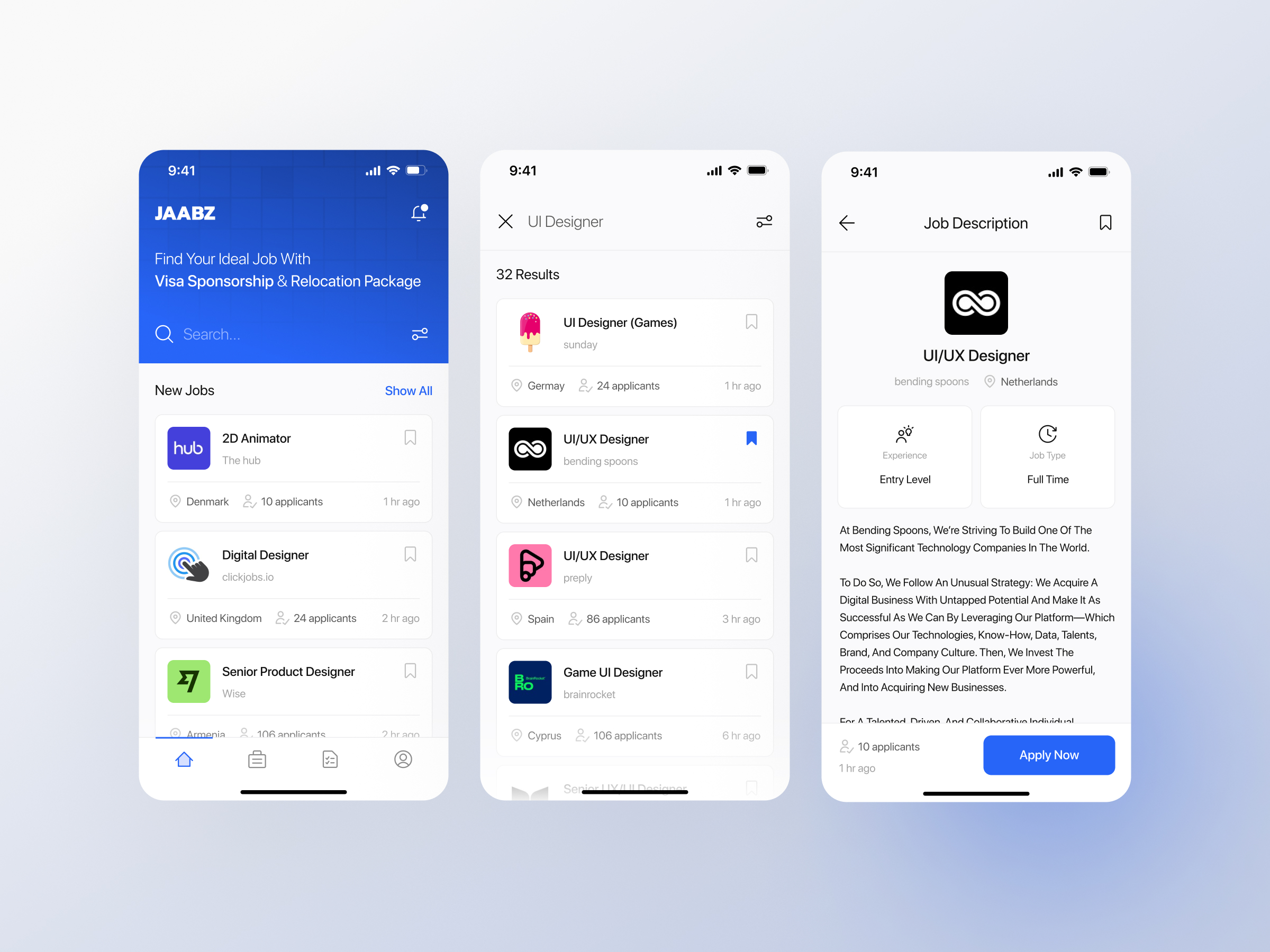
Design a listing screen for a product, content, or data set where users need to scan many items and narrow them down fast. Treat this as a working list, not a gallery: the page should support browsing, sorting, filtering, and opening an item without losing context.
Start with a strong page header and a control row that includes search plus the most important filters or sort options. Then design a repeatable item pattern that makes the key fields easy to compare at a glance. Use hierarchy to separate the title, metadata, status, and any secondary details.
Show what happens when the list is empty, when filters return no results, and while content is loading. If the list supports selection or quick actions, make those states clear and keep them usable at small sizes. The result should feel practical and efficient, with no ambiguity about where to look or what to do next.
What to deliver
- Design a listing page with a clear header, search, and filter controls.
- Show a repeatable item row or card pattern with the key fields visible.
- Include sort, empty, loading, and no-results states.
- Add a detail preview or secondary action for each item if needed.
- Make selection, hover, and keyboard focus states explicit.
Embrace whitespace! A well-spaced listing enhances readability and user focus, guiding the eyes naturally down the flow of information.