Gallery
See what others have created
x01wf21
@x01wf21
Downloads Page
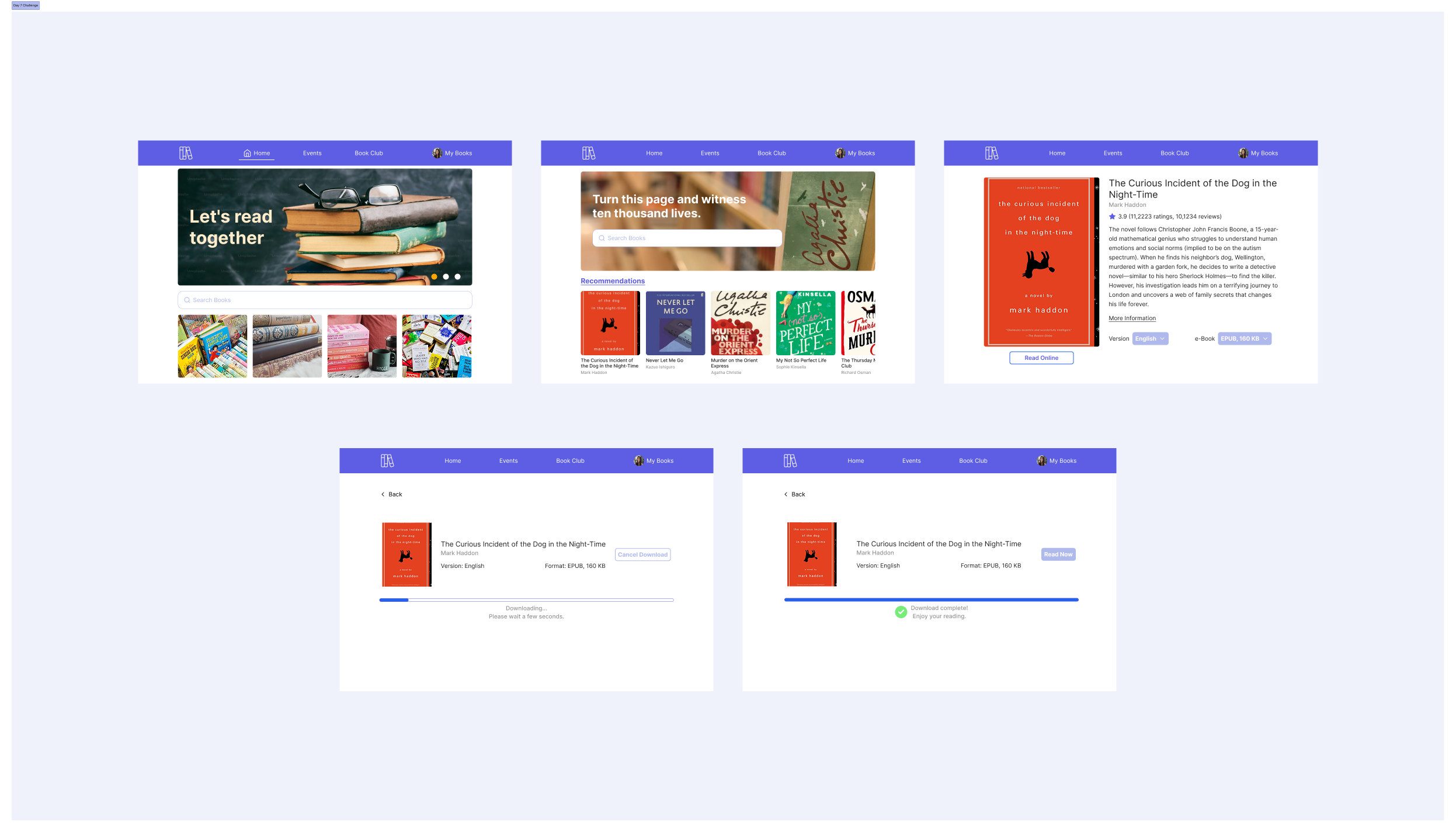
Design a Downloads page for a product that stores and distributes digital files. This is the place users come to find, sort, and retrieve items they already have access to. The page should make it easy to scan what’s available, understand what each file is, and start a download without opening extra screens.
Use a clear page header with search and filters for file type, category, date, and status. The main content should be a list or grid built around the file name, format, size, last updated date, and a direct download control. If files have different access rules or versions, show that in-line instead of hiding it behind a detail view.
Include download states that match the real flow: ready, in progress, paused, completed, and failed. Progress should be readable at a glance, and each state should offer the next action, such as resume, retry, or open file. Keep the page usable when the list is empty, when no results match, and when a user lacks permission to download an item.
Treat accessibility as part of the layout, not an afterthought. Keyboard focus, contrast, and touch targets should work across devices, and the page should still make sense when icons or progress indicators are unavailable.
What to deliver
- Design a page header with search, filters, and a clear download count or storage summary.
- Show a file list or grid with name, type, size, date, and primary download action.
- Include states for downloading, paused, completed, and failed items.
- Add sort and category controls that stay readable at a glance.
- Design empty, no-results, and permission-denied states with next steps.
Incorporate a visually engaging 'progress bar' for downloads to enhance the user experience.