Gallery
See what others have created
yuldashev
@yuldashev
Feature Info
Design a feature info screen for a single product feature. This is not a general marketing page; it should read like a focused explainer that helps someone understand one capability quickly and decide whether to use it.
Show the feature name, a short plain-language summary, and 2–4 concrete points that explain what it does, who it helps, and the outcome it produces. Include one visual that makes the feature feel real: a screenshot, annotated mock, short animation frame, or step illustration.
Add a secondary layer of detail for terms or mechanics that may need explanation, such as tooltips, inline notes, or a small help panel. Keep the layout easy to scan on first pass, with a clear hierarchy from headline to explanation to action.
Include one primary action tied to the feature, such as try it, enable it, or see it in action. The page should answer three questions fast: what is this, why should I care, and what do I do next?
What to deliver
- Design a feature detail screen with title, summary, and key benefits
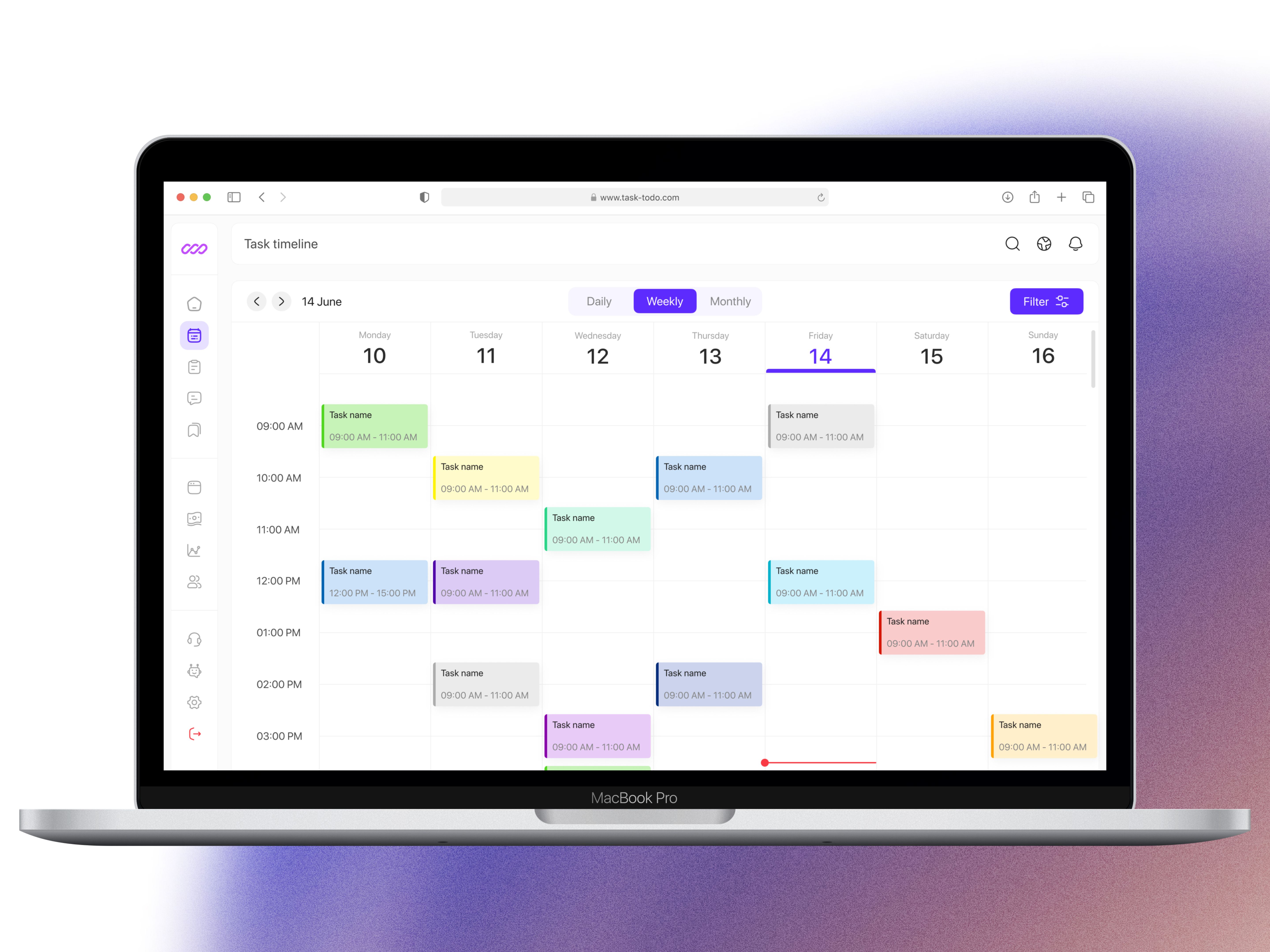
- Show the feature in action with a visual demo, screenshot, or animation frame
- Add supporting context: what it does, who it helps, and when to use it
- Include one clear primary action to try, enable, or learn more
- Provide an inline help pattern for extra definitions or deeper context
Incorporate progressive disclosure, revealing more information as the user expresses interest, keeping the initial view uncluttered.