Gallery
See what others have created
hatefulskirmish
@hatefulskirmish
Playlists
Design a playlist experience for a music app that covers browsing, creating, editing, and sharing playlists. Treat this as a set of connected screens, not one generic concept. The interface should make it obvious where the user is, what playlist they’re editing, and what action comes next.
Start with the playlist library: show saved playlists with cover art, title, track count, and a small cue for recent activity or ownership. From there, design a playlist detail view with the track list, play controls, and the main edit actions surfaced without hiding them in menus.
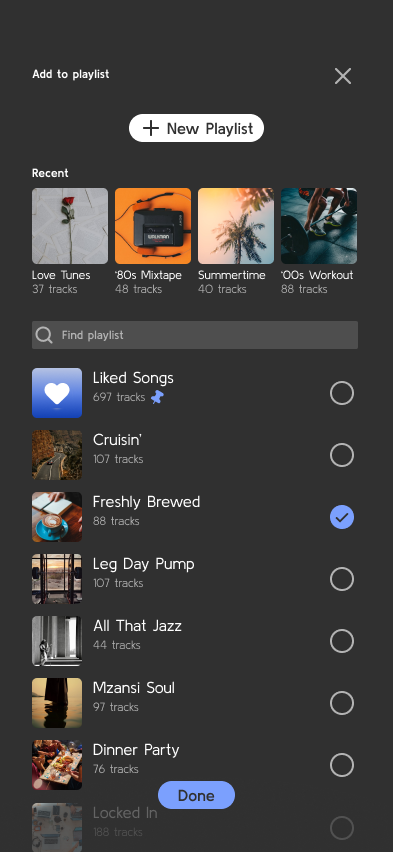
Include a create/edit flow for naming the playlist, changing the cover, setting privacy, and adding a short description. Make adding songs feel fast: search should be prominent, selected tracks should stay visible, and the user should be able to remove or reorder songs without losing context.
If you include social features, keep them lightweight and explicit. Collaboration, sharing, and public/private states should read clearly, with no ambiguity about who can edit and what gets shared.
What to deliver
- Design the playlist library screen with saved playlists, cover art, track counts, and last updated time.
- Design the playlist detail screen with track list, play controls, and edit actions.
- Design the create/edit playlist flow with name, description, cover image, and privacy settings.
- Design add-songs interaction with search, recent items, and clear selected-state feedback.
- Design reorder and remove-track states for the playlist editor.
Incorporate familiar icons and gestures for play controls to enhance user familiarity and ease of navigation.