Gallery
See what others have created
radhamanidesigns
@radhamanidesigns
Writing
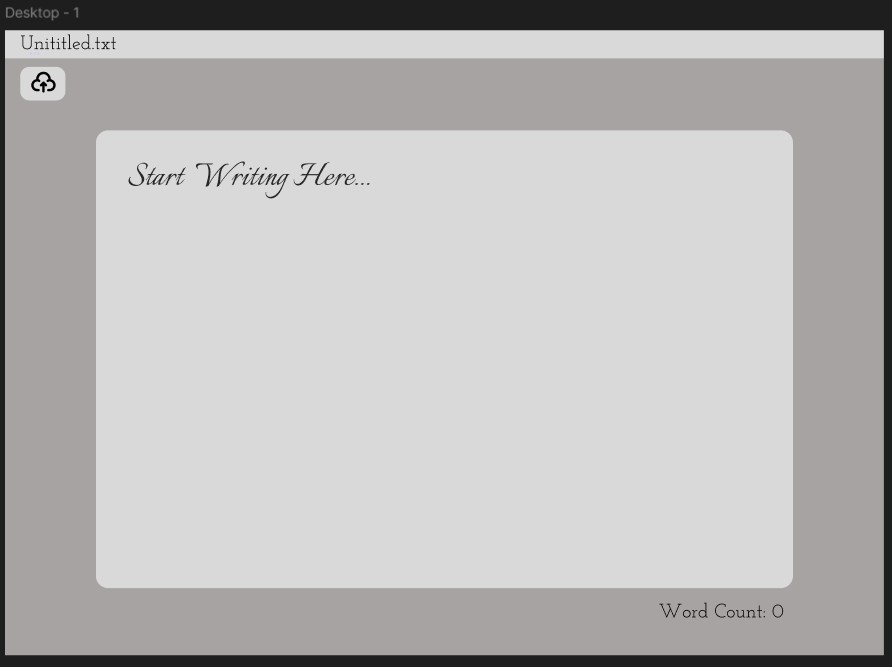
Design a high-fidelity desktop writing editor for long-form content. The screen should center on the document itself, with enough structure around it to support drafting, editing, and publishing without turning the page into a control panel.
Prioritize the writing state first: clear text area, readable type scale, comfortable line length, and a toolbar that stays out of the way until needed. Keep document title, autosave, and sync status visible so the user always knows whether changes are saved and who is editing.
Add a second layer of utility for serious writing work: word count, outline or section navigation, version history, and share/publish actions. If you include collaboration, show it in a restrained way with presence indicators or live cursors that do not interrupt the editor.
What to deliver
- Design a focused writing canvas with clear text hierarchy and comfortable line length.
- Add a compact formatting toolbar with the most-used controls visible.
- Show autosave and document sync status near the title area.
- Include word count, version history, and publish/share actions in a secondary header.
- Design one collaboration state, such as live cursors or presence, without cluttering the editor.
Add a touch of creativity by exploring how ambient sounds or visual themes could enhance the writing mood and make the interface a joy to return to for users.