Gallery
See what others have created
ten_year_oldlament
@ten_year_oldlament
Spinner button
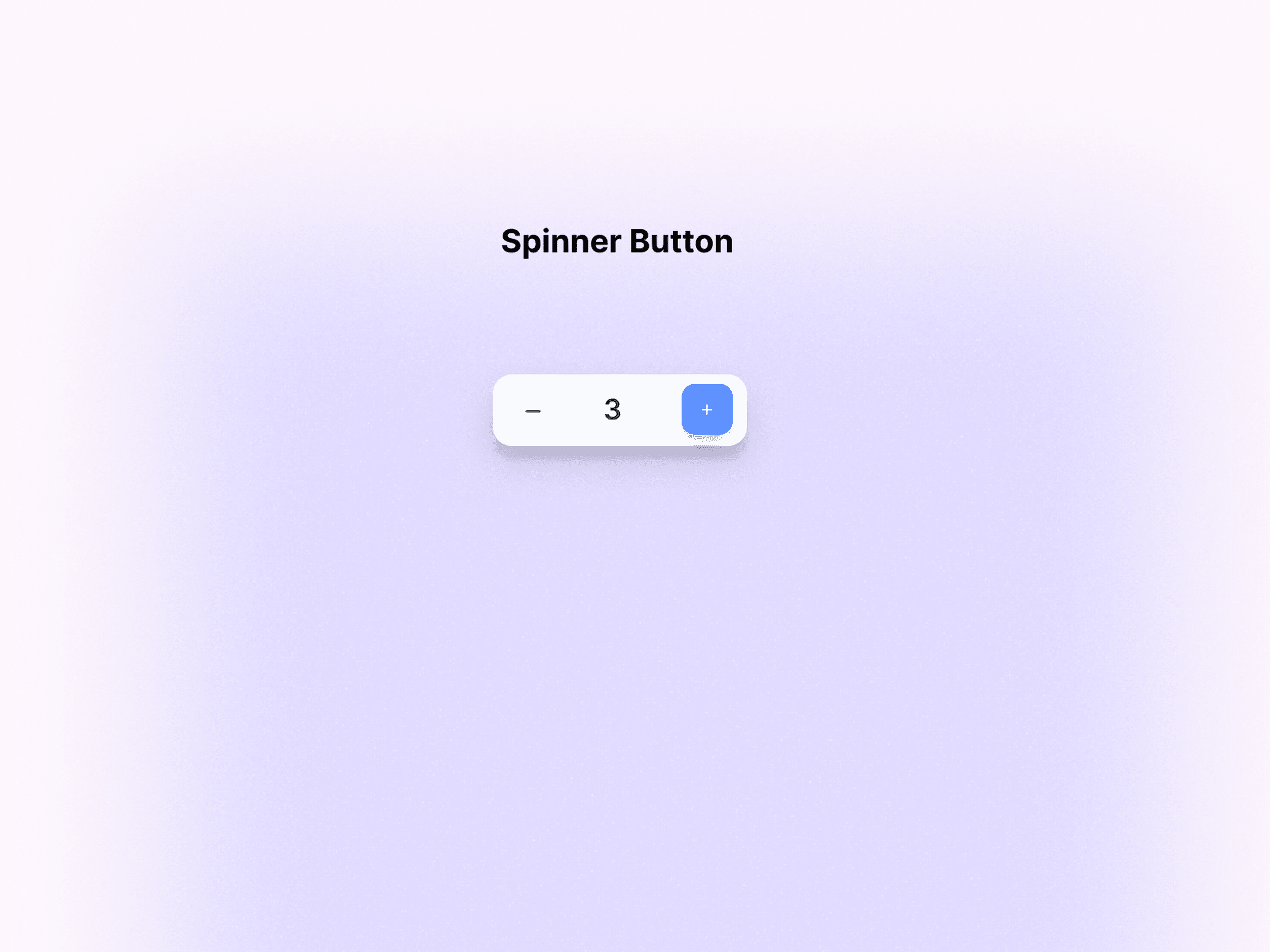
Design a spinner button for adjusting a numeric value one step at a time. Use it anywhere a user needs to change quantity, count, or a bounded setting without typing. The control should show the current value between a decrement and increment button, with the value legible at a glance.
Make the interaction rules explicit. Tapping or clicking minus lowers the value by one; plus raises it by one. When the control hits its minimum or maximum, disable the relevant button and make the limit state visible without changing the layout. Keep the value stable while the user presses, and show immediate feedback on each change.
Treat this as a compact form component, not a generic button. Define hover, focus, pressed, disabled, and boundary states. Make sure the control works with keyboard input and screen readers, and that touch targets are large enough for mobile use.
What to deliver
- Design a quantity stepper with decrement, value, and increment controls
- Show default, pressed, disabled, and min/max-reached states
- Define tap targets and spacing for touch and pointer use
- Add inline feedback for value changes and boundary limits
- Include keyboard and screen-reader behavior for the control
Spice up your spinner button design with subtle animations when values change, to delight users and enrich their experience!