Gallery
See what others have created
slipperyparable
@slipperyparable
Guided Tour & Tutorial
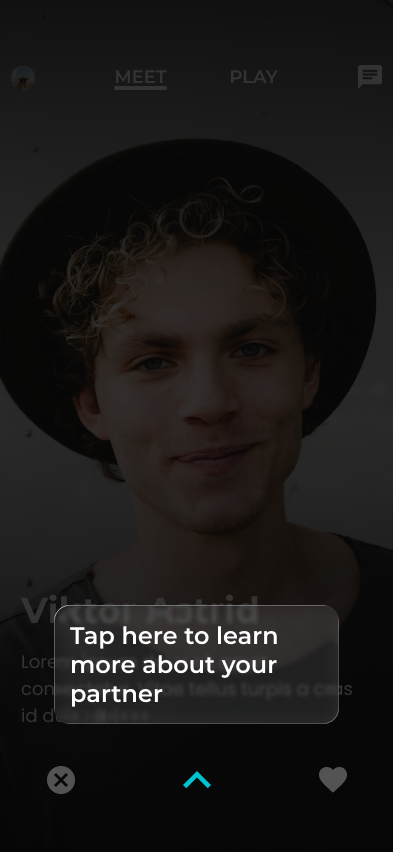
Design a first-run guided tour for a product interface. The tour should introduce the core workflow in 3–5 steps, starting from an entry point such as a welcome modal, help button, or first-login prompt. Make the sequence feel intentional: one idea per step, one clear action per screen, and visible progress throughout.
Use a mix of spotlight overlays, inline callouts, or modal steps where appropriate, but keep the active control readable and the rest of the interface quiet. Each step should show what the user is looking at, why it matters, and what to do next. Avoid covering the entire app unless the step truly needs focus.
Include skip, back, next, and finish states. The user should be able to exit without losing context, resume later, and restart the tour from help. End with a completion state that confirms the tour is done and points to the next real task in the product.
What to deliver
- Design the first-run tour entry point.
- Show 3–5 tutorial steps with clear progress.
- Include spotlight or overlay treatment for each step.
- Add skip, back, and next controls.
- Design the completion state and restart option.
Highlight key features with subtle animations to draw attention without distracting from the learning experience.