Gallery
See what others have created
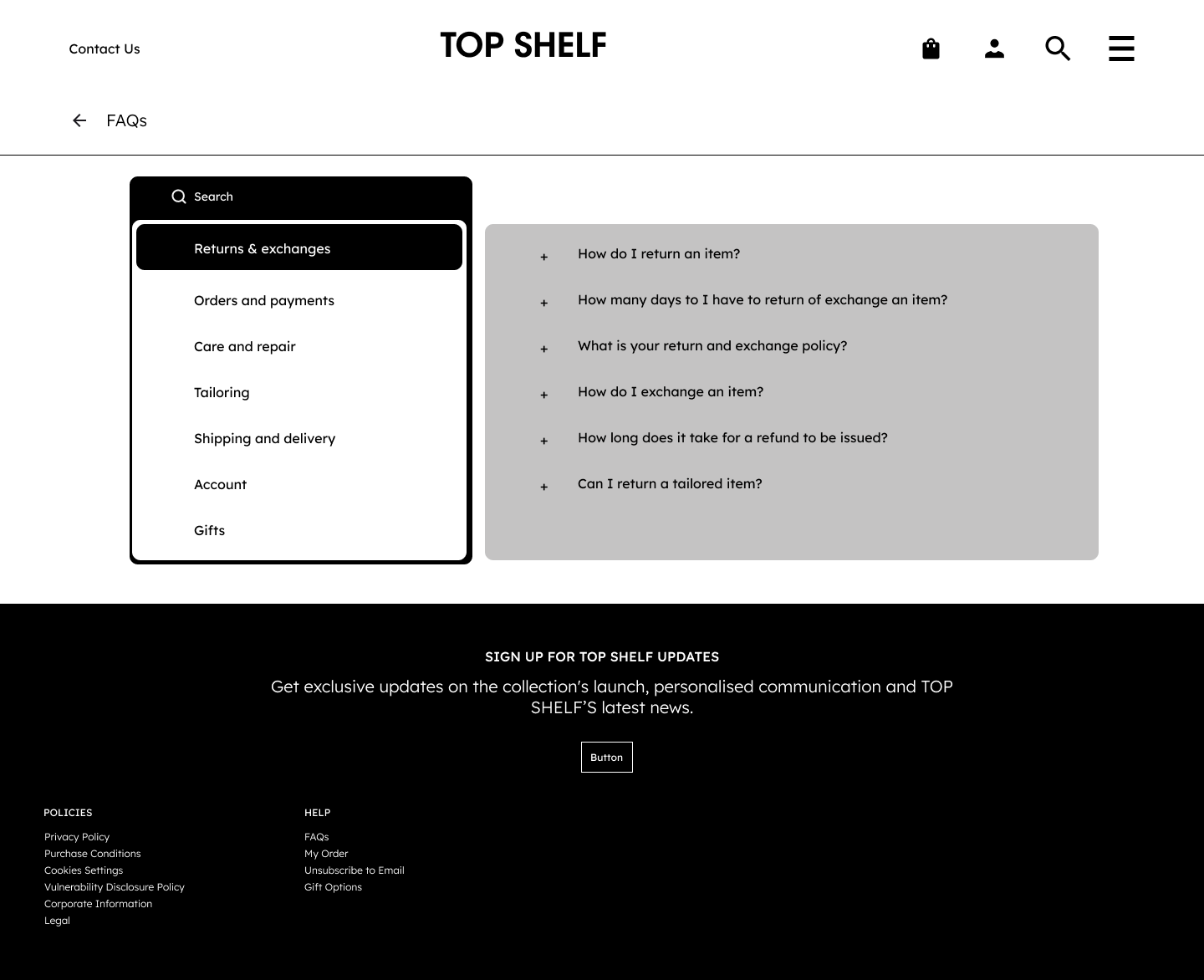
hatefulskirmish
@hatefulskirmish
FAQ Section
Design an FAQ section for a website page with a short intro, a list of common questions, and a clear fallback for unanswered cases. Treat it as a support surface, not just a text block: users should be able to scan questions quickly, open one answer at a time, and leave with a next step if they still need help.
Use 6–8 realistic questions that match the product or service. Keep the question labels concise and write answers in plain language. If the list is long, add a search field above the questions and show a no-results state that points users to support or contact options.
The section should work in three states: collapsed list, expanded answer, and search/no-results. Keep the interaction obvious, the selected item easy to track, and the support fallback visible at the bottom so users never hit a dead end.
What to deliver
- Design an FAQ section with 6–8 questions and answers.
- Use accordion rows with clear expand/collapse affordances.
- Add a search field if the list is long enough to need it.
- Show default, expanded, and empty/no-results states.
- Include a clear contact or support fallback at the bottom.
Inject personality into your FAQs by using a conversational tone or including illustrations to make the section more engaging and less formal.