Gallery
See what others have created
designeraleksa
@designeraleksa
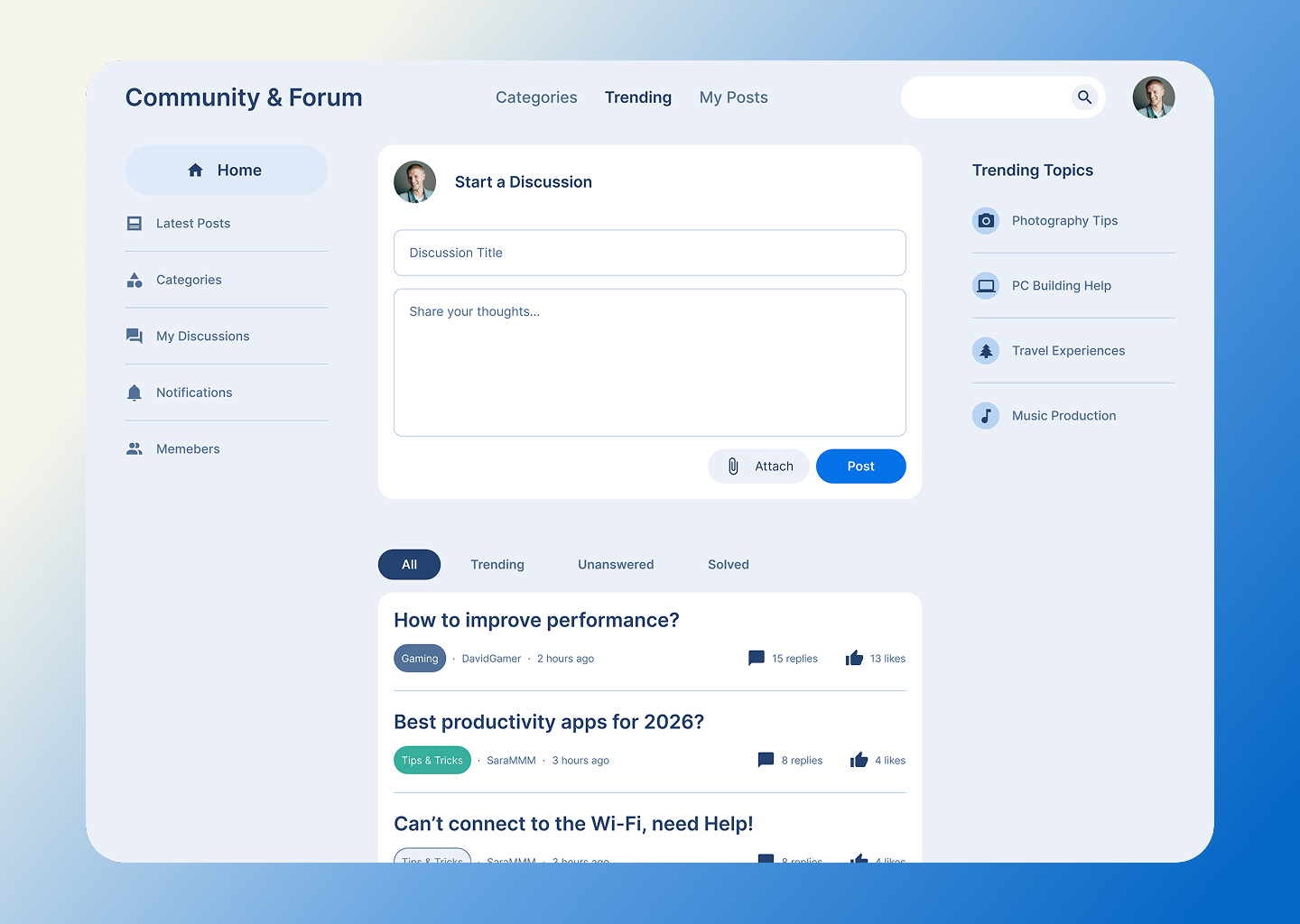
Community & Forum Page
Design a community forum page that helps people browse topics, read threads, and join the conversation without losing context. Treat it as a real forum home plus thread experience, not a vague social feed.
Start with a clear forum landing area: community title, short description, search, and a few high-signal entry points such as pinned topics, popular categories, and unanswered questions. A user should understand what this community is about and where to go next within the first screen.
Show how threads are organized and scanned. Include topic cards or rows with title, category, author, reply count, last activity, and any status labels like pinned, solved, or locked. Filters and sorting should make sense for active members who want to jump straight into the newest, most relevant, or unresolved discussions.
Design the thread view with readable post hierarchy, nested replies, and lightweight actions like reply, like, follow, report, and share. Include a compose state for starting a new discussion and an empty state for categories with no posts. The page should feel easy to browse at speed, but still support long-form discussion when someone opens a thread.
What to deliver
- Design the forum home with categories, pinned topics, and recent activity
- Show a thread list with author, replies, last update, and status tags
- Design the thread detail view with posts, replies, and inline actions
- Include compose/reply states for a new post, edit, and empty thread
- Add search, filter, and sorting controls for browsing discussions
Incorporate clear visual cues for new posts or active discussions to keep your community engaged and encourage participation.