Gallery
See what others have created
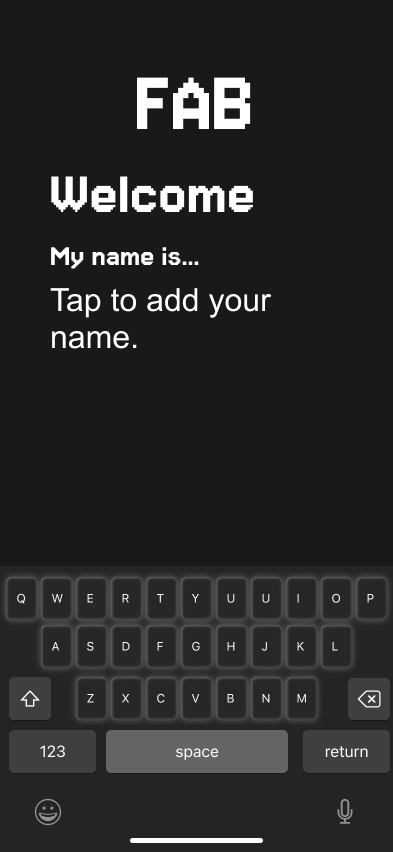
hatefulskirmish
@hatefulskirmish
Virtual keyboards
Design a virtual keyboard for one real input environment, not all of them at once. Pick a context such as mobile text entry, tablet form filling, or a floating VR keyboard, then design around that device’s constraints: screen space, input method, and typing speed.
Focus on the core typing surface first. Show the default letter layout, a shifted state, a symbol/numeric state, and at least one alternate language or IME state. Make the key spacing, labels, and hierarchy legible at a glance, and keep the most-used controls close to the thumbs or pointer path.
Add the interaction states that make the keyboard feel usable: key press, long-press variants, backspace repeat, mode switch, and text prediction or autocomplete. If the keyboard can move, resize, or dismiss, show those controls and how they stay reachable without blocking the text field.
The final mock should read like a real product surface, not a concept sketch. Show what happens when a key is pressed, how the selected suggestion is accepted, and how the user gets back to typing with minimal friction.
What to deliver
- Design the default keyboard in one target context: mobile, tablet, or VR.
- Show at least two alternate layouts: numeric/symbol and language switch.
- Design key press, long-press, and modifier states.
- Include predictive text or autocomplete above the keys.
- Show dismissal, resize, and reposition behavior if the keyboard floats.
Inject some personality into your virtual keyboard with custom key shapes, colors, or thematic designs that align with the virtual environment they're intended for.