Gallery
See what others have created
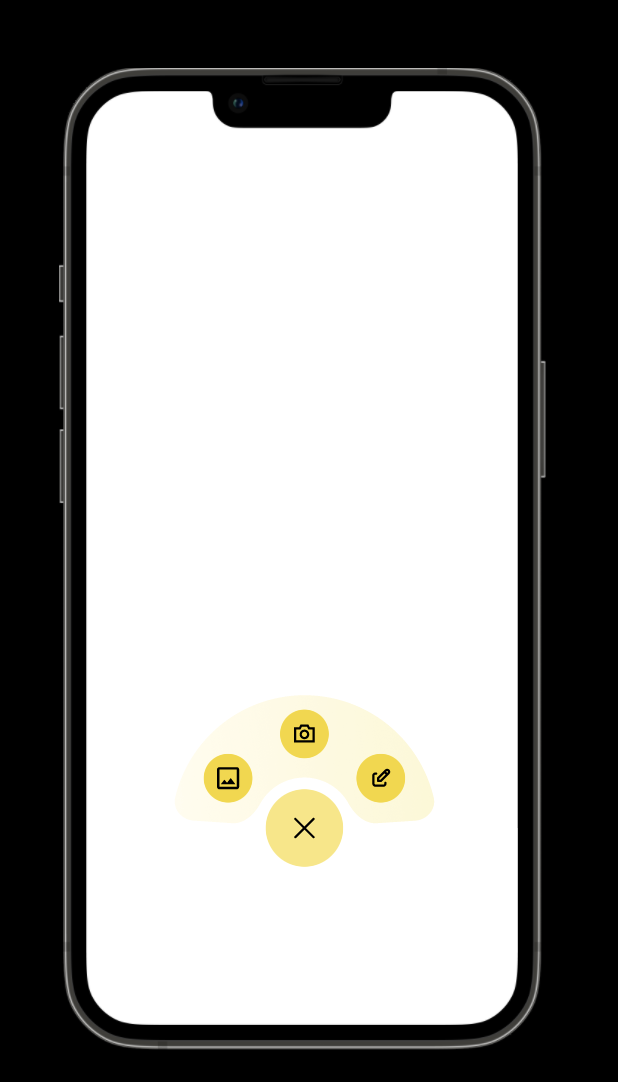
hatefulskirmish
@hatefulskirmish
Floating Action Button
Design a Floating Action Button for a mobile interface. It should sit above the page content, anchored to a consistent corner, and read as the main action on the screen. Keep the shape compact and circular, with a single icon that makes the action understandable without a label.
Show how the FAB behaves in normal use and when interacted with. Include default, pressed, disabled, and loading states, plus an expanded state for cases where the action needs a short text label or tooltip. The interaction should feel fast and tactile, with clear feedback on tap.
Treat placement as part of the design, not an afterthought. The button should avoid covering key content, respect safe areas, and stay usable alongside bottom navigation, chat bars, or other persistent controls.
What to deliver
- Design a circular FAB with one clear icon and no text
- Place it above content in a fixed corner position
- Show default, hover, pressed, disabled, and loading states
- Add an expanded label or tooltip state for the icon
- Define safe spacing so it does not cover key content or navigation
Position the FAB strategically to avoid obstructing important content yet staying readily accessible. For a fun twist, try animating the button's entrance or interaction!