Gallery
See what others have created
brawnyseashore
@brawnyseashore
Calendar
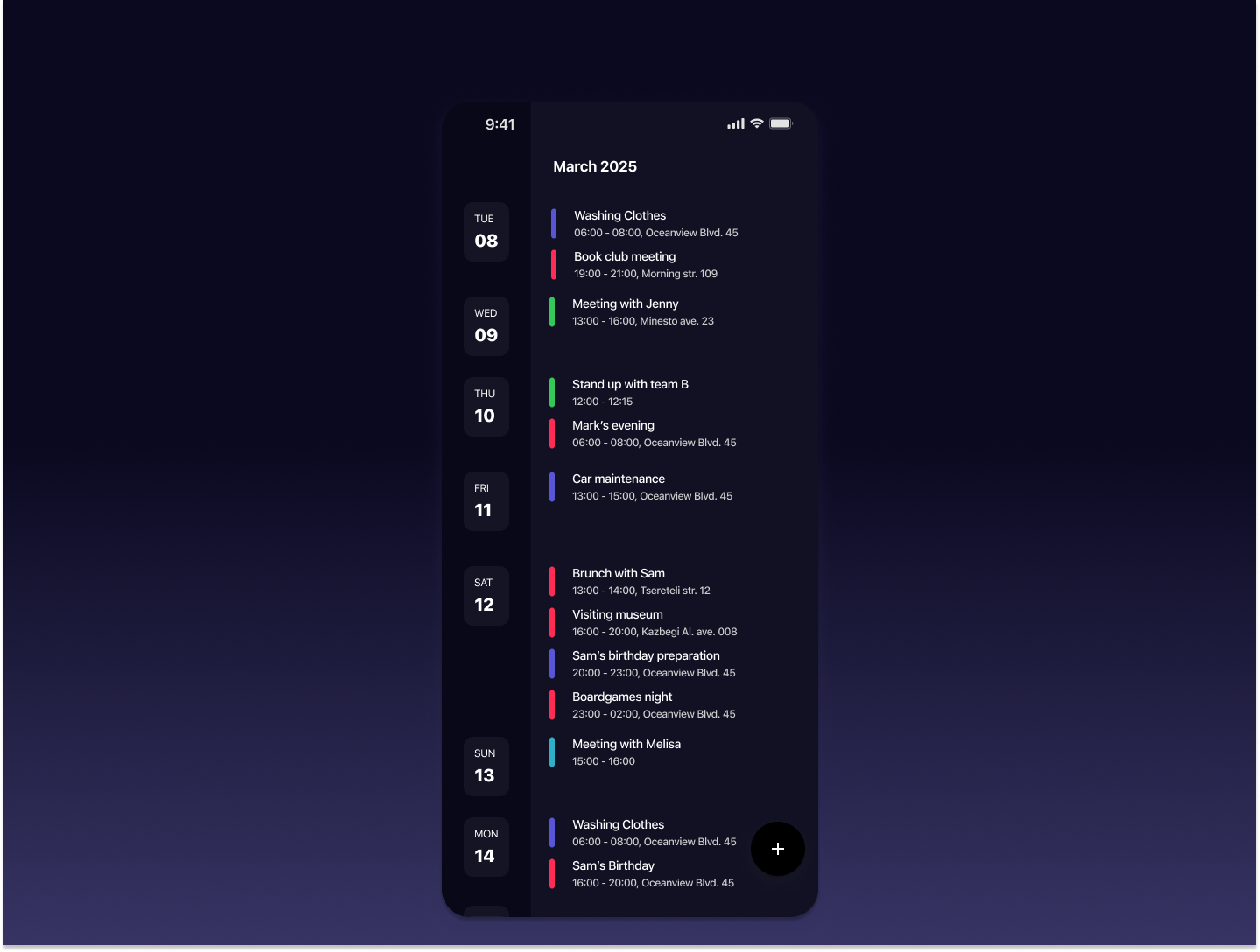
Design a calendar surface that supports fast scanning and quick scheduling. Start with the default month view: clear day cells, visible today state, event chips that truncate cleanly, and a strong hierarchy for dates versus content. The layout should work when a day has one event or a crowded stack of them.
Add day and week views that handle time-based planning. Show an all-day row, a readable time grid, and a clear treatment for overlapping events. Users should be able to move between views without losing their place or wondering what date they are looking at.
Design the event create/edit flow as a focused panel or modal. Include title, date, time, calendar selection, reminder, and color/category controls. Editing an existing event should preserve entered data, surface delete as a secondary action, and make conflict or validation states easy to recover from.
Include customization for week start day, 12/24-hour time, and visible calendars. Use color and icons as support for scanning, not the only way to identify an event. The result should feel efficient for heavy scheduling, not decorative.
What to deliver
- Design the default month view with event chips, date labels, and today highlight.
- Design day and week views with time grid, all-day row, and event overlap handling.
- Design create/edit event flow with title, date/time, calendar, and reminder fields.
- Design empty, loading, and conflict states with clear next actions.
- Design settings for week start, time format, and calendar visibility.
Remember, an effective calendar design goes beyond dates; it's about creating a seamless scheduling experience.