Gallery
See what others have created
ashutosh_sahu
@ashutosh_sahu
Locked dashboard
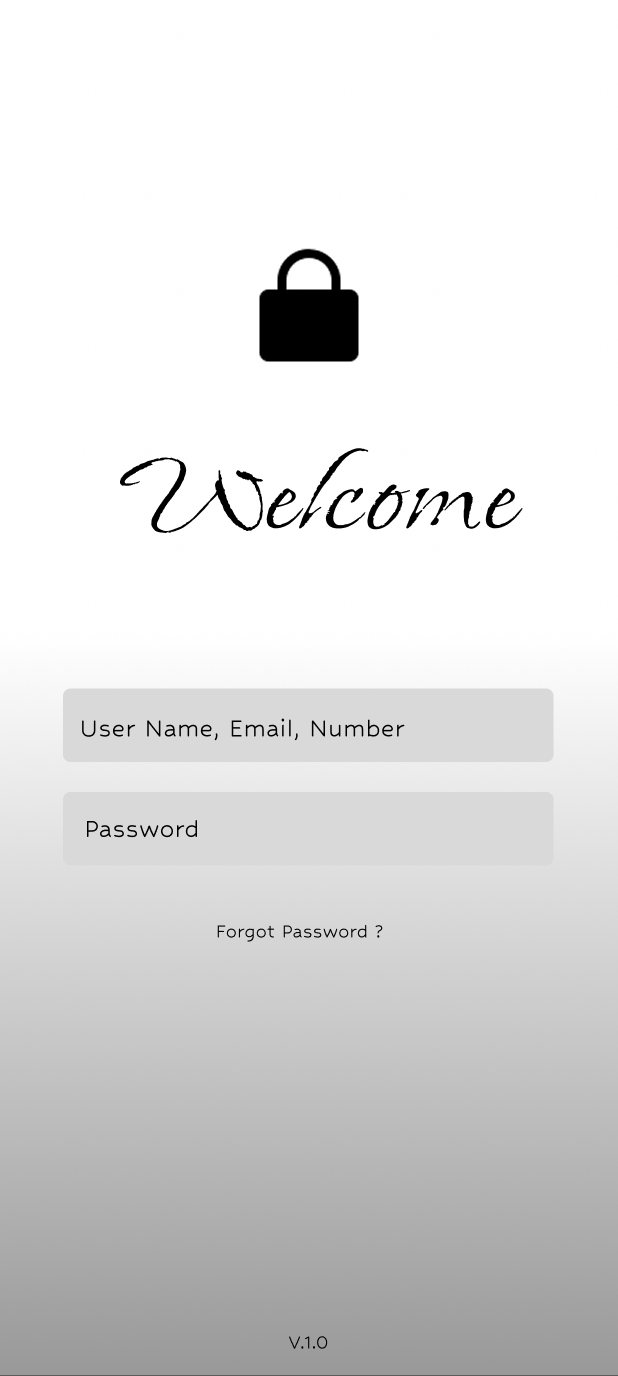
Design a dashboard shell that opens in a locked state. The layout should still feel like the real product: persistent navigation, header, and content regions are visible, but the data panels are masked or replaced with access-gated placeholders.
The locked state should explain why content is unavailable and what the user needs to do next. Use one clear primary action for sign in, with a secondary path for password reset, SSO, or account help if that fits the product. Keep the messaging short and specific to the session state: signed out, expired, or lacking permission.
Show at least one failure case, such as invalid credentials or an expired session, and keep the entered context intact. If the user is already authenticated but blocked by access rules, the screen should make that distinction clear instead of treating every lock the same.
After authentication, the dashboard should reveal the protected content without a jarring reset. The transition should make it obvious that the lock lifted and the user is now inside the workspace.
What to deliver
- Design the locked state of the dashboard shell
- Add a clear sign-in entry point and secondary account recovery link
- Show the protected content area as unavailable until auth succeeds
- Include at least one error state for failed login or expired session
- Design the post-auth transition into the unlocked dashboard
Incorporate some mystery into the lock iconography. A subtle animation when interacting with the lock can heighten user interest and engagement.