Gallery
See what others have created
digitalshape
@digitalshape
Managing accounts
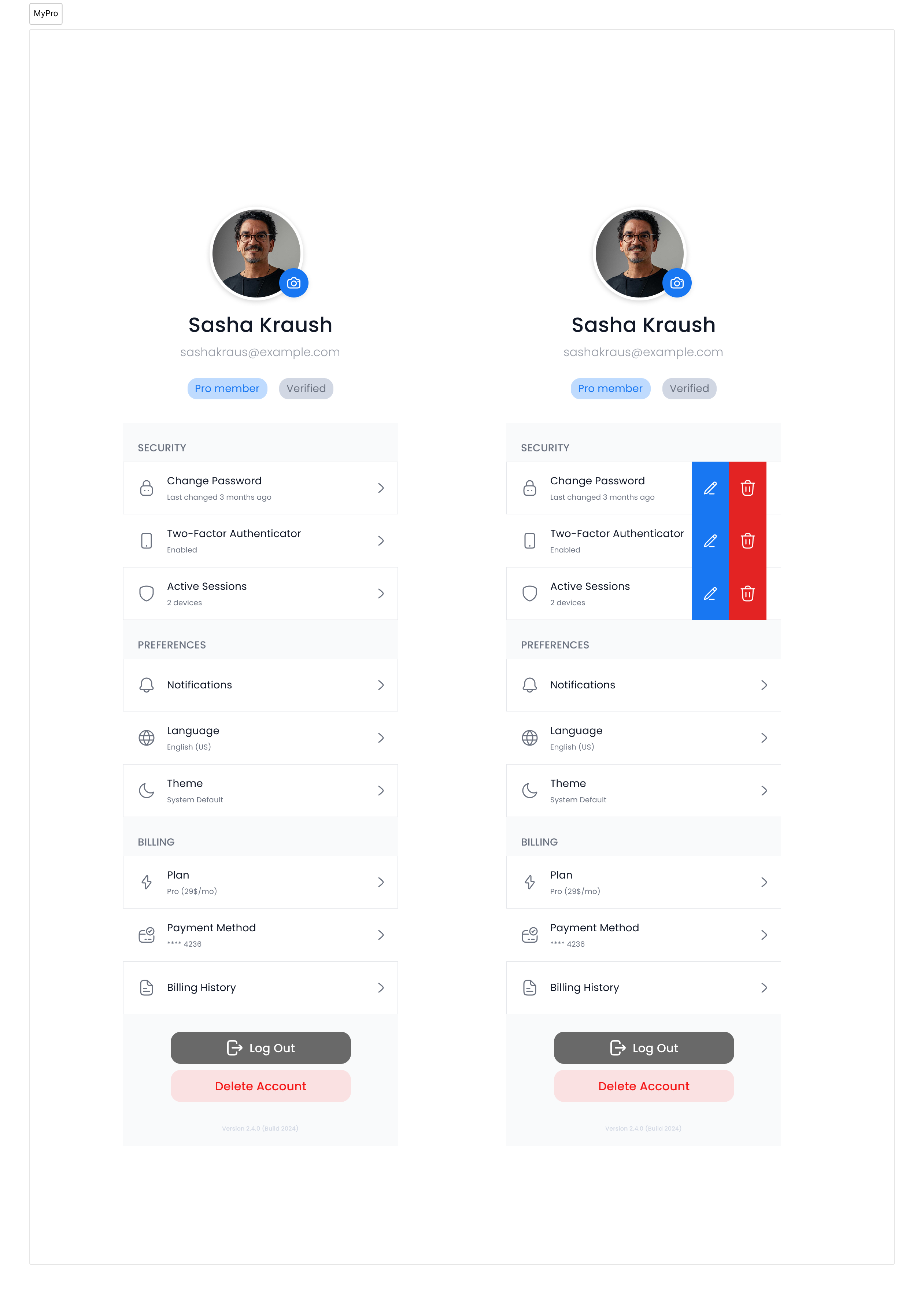
Design an account management screen for a product with several distinct settings areas, not a single generic profile page. The user should be able to move between personal info, login and security, billing, notifications, and connected accounts without getting lost in a long unlabeled list. Treat each section as a real task surface. Show the current value, an obvious edit path, and the right level of friction for the change: quick inline edits for low-risk preferences, password re-entry or confirmation for sensitive actions like email changes, MFA, or account deletion. If a section has multiple items, make the active state and selection clear. Build for recovery. Validation should happen near the field, errors should keep the user’s input, and destructive actions should explain the consequence before commit. If the design includes linked accounts, roles, or workspace membership, show how the user switches context and where they can see which account is active at a glance.
What to deliver
- Design an account overview with sections for profile, security, billing, and preferences.
- Include edit flows for personal details, password, email, and notification settings.
- Add clear save, cancel, and sign-out actions with confirmation where needed.
- Show inline validation and success feedback for sensitive updates.
- Support multiple linked accounts or roles if the pattern calls for it.
Employ color coding and icons to visually differentiate between account sections for quicker navigation and recognition.