Gallery
See what others have created
mahfujkhan
@mahfujkhan
Playing haptics
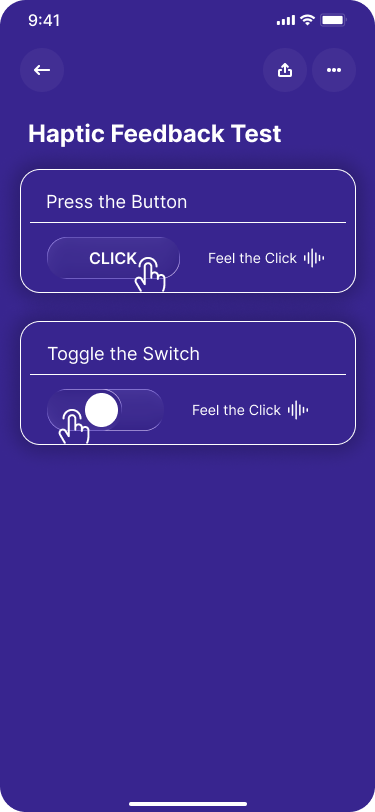
Design a hi-fi interaction for a product moment where haptics carry meaning: confirming a choice, warning about a limit, or signaling a successful completion. Pick one focused flow and make the tactile feedback visible through the UI state around it, not through copy about haptics.
Show at least three distinct feedback moments with different intensity: a light tick for selection, a stronger pulse for commit, and a sharp alert for a blocked action or invalid move. The screen should make it obvious what caused each response and what the user should do next.
Keep the layout simple enough that the feedback pattern is the point. Use the visual state of controls, progress, or confirmation to imply when haptics fire. If the action is disabled, out of range, or rejected, show that immediately and keep the previous context intact.
What to deliver
- Design a single interaction screen that triggers haptics on tap, drag, and confirm.
- Show the haptic cue in context with the UI state that caused it.
- Include light, medium, and strong feedback moments mapped to specific actions.
- Add one failure or blocked state where haptics indicate an invalid action.
When designing for haptics, consider mimicking real-world interactions—such as the sensation of a button clicking—to make digital interactions more tangible and satisfying for users.