Gallery
See what others have created
unpublishedhanging
@unpublishedhanging
Pinning
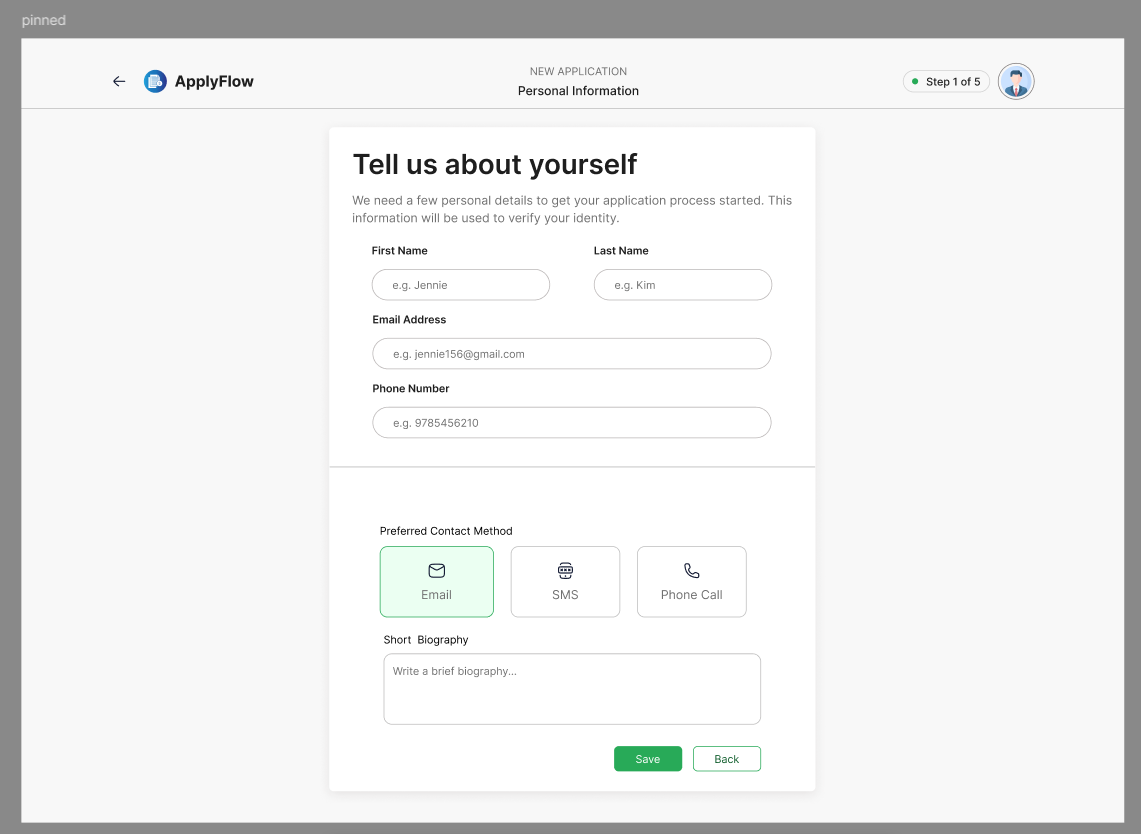
Design a page where one control or panel can be pinned while the user scrolls. Show the default state, then the pinned state after scroll so the change in position is clear. This is not about adding a sticky header by default; it is about making the pin action and its result visible in context.
Choose a realistic surface such as a document editor, long form, or settings page. The pinned element should stay available without covering the content the user is reading or editing. If the element changes position, size, or elevation when pinned, show that transition clearly.
Treat layering and spacing as part of the design. The pinned element should sit above the page content cleanly, with enough offset that nearby text and controls remain usable. If there is a pin/unpin affordance, make it easy to find and easy to reverse.
What to deliver
- Design a scrollable page with one pinned element in context.
- Show the pinned state and the unpinned state on the same surface.
- Place the pinned control where it stays visible without covering key content.
- Use clear layering so the pinned element reads above the page.
- Include a small content area that proves the pin does not break scrolling.
Keep the design clean and distraction-free. With elements pinned, there’s a higher risk of clutter. Utilize transparency and minimalism to make pinned items feel like a natural part of the page.