Gallery
See what others have created
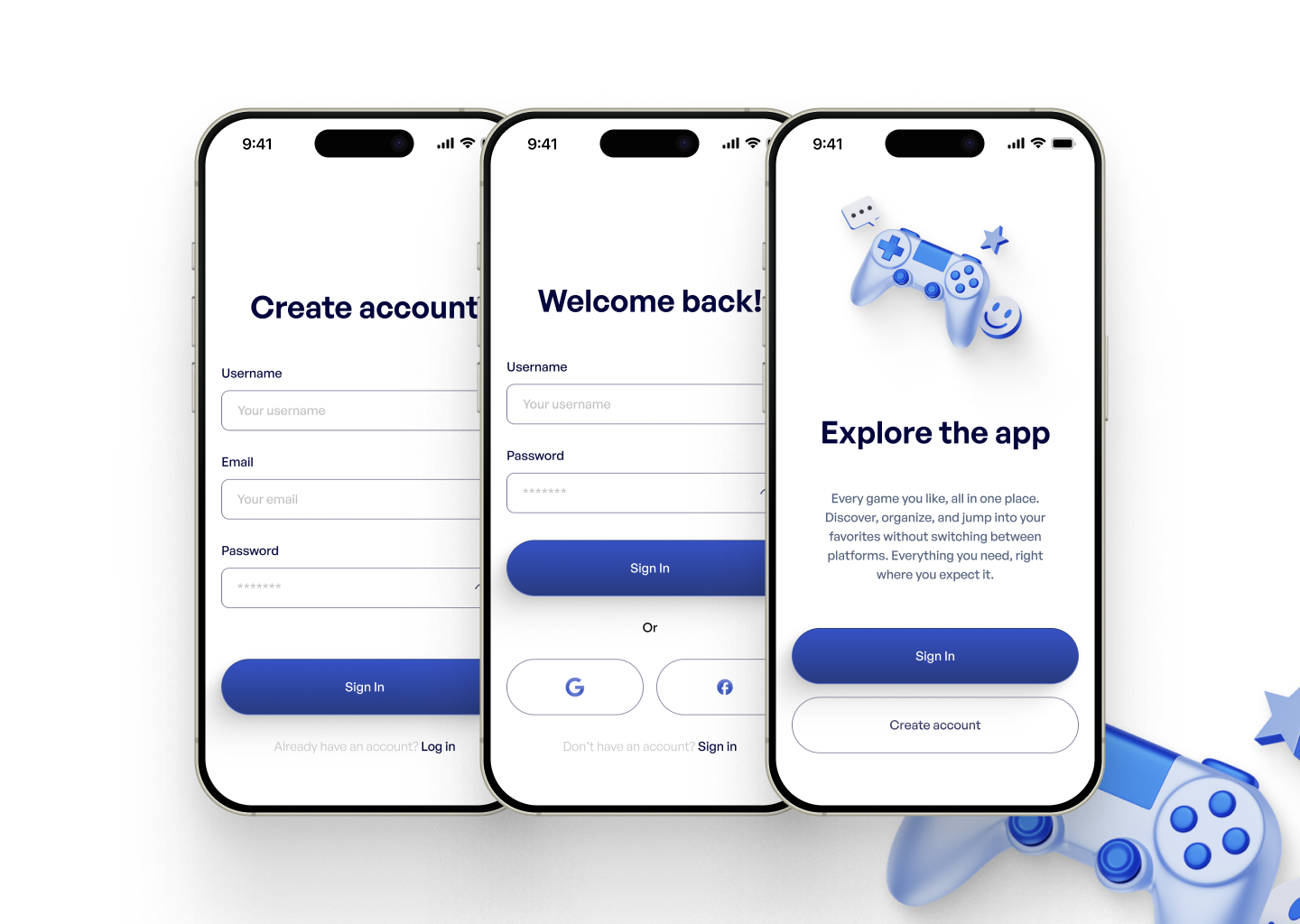
designeraleksa
@designeraleksa
Creating Account
Design the account creation flow as a short, linear sequence: start, form entry, review/confirmation, and success. Keep the path focused on one task — creating a new account — and make the next action clear at each step.
Show the information needed to create the account, including name, email, password, and any required consent. If the product supports social sign-up, include it as an alternate path, but keep one primary route visually dominant. Make password requirements visible before submission, not after failure.
Cover the moments that usually break the flow: missing required fields, invalid email format, weak password, terms not accepted, and an account already exists. Errors should sit near the relevant field, preserve what the user entered, and point to the fix.
End with a confirmation state that tells the user the account is ready and what happens next, such as verifying email, entering the app, or continuing setup. The flow should read cleanly from first tap to completion, with no ambiguity about where the user is or what to do next.
What to deliver
- Design the sign-up start screen with a clear entry action.
- Design the account form with required fields, password rules, and terms consent.
- Design inline validation for invalid, missing, and weak-password states.
- Design the confirmation step and post-sign-up success state.
- Design a recovery path for users who already have an account.
Remember to design with accessibility in mind! Use clear labels, easy-to-read fonts, and provide ample space for touch targets to make the account creation process inclusive for all users.