Gallery
See what others have created
unpublishedhanging
@unpublishedhanging
Printing
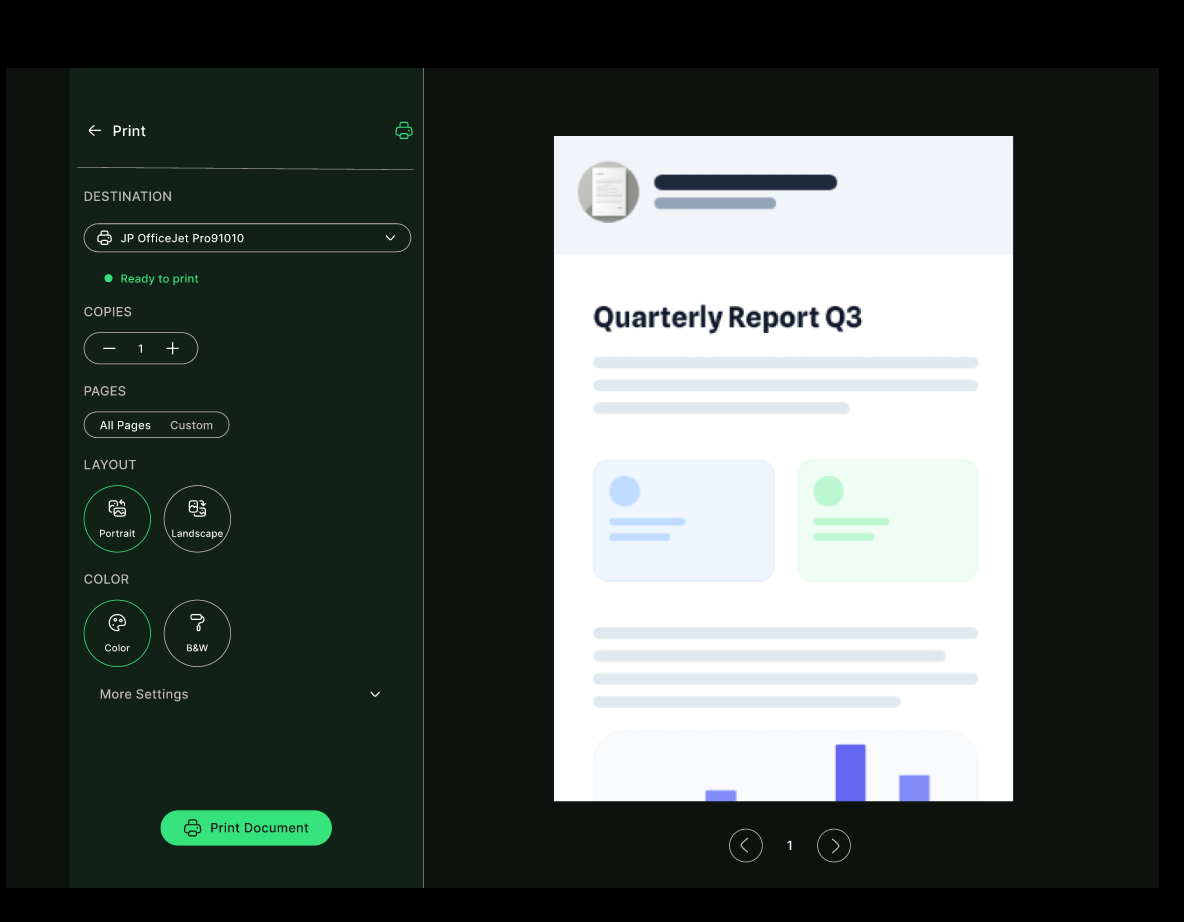
Design the print flow for a document or report inside a desktop product. This should feel like a real print dialog, not a generic settings sheet. The user needs to choose a printer, set copies, pick pages, and decide how the output should be formatted before sending it.
Put the preview first. Show exactly what will print, how many pages it will take, and whether the layout will fit the page without clipping. If settings change, the preview or page summary should update immediately so the user can catch mistakes before printing.
Include the common controls people expect: color vs. grayscale, single-sided vs. duplex, portrait vs. landscape, and scale or fit-to-page. Keep the primary print action obvious, but let destructive or costly choices read clearly before the user commits.
Cover the awkward states too: no printer selected, printer unavailable, unsupported paper size, and print job failed. Each state should explain what went wrong and give the user a direct next step instead of leaving them stuck.
What to deliver
- Design a print settings panel with printer, copies, page range, and paper options.
- Show a live preview of what will print, including page count and layout.
- Include clear controls for color, duplex, orientation, and scaling.
- Add a confirmation state for sending the job and a fallback when no printer is available.
- Handle long documents, selected content, and a print-ready error state.
When designing for print features, remember to convey the tactile experience of printing in a digital environment with visual feedback, like showing a 'soft copy' coming out of a virtual printer.