Gallery
See what others have created
hatefulskirmish
@hatefulskirmish
Giving Feedback
Design the feedback flow for a product screen, account area, or support entry point. Start with a clear trigger: a button, menu item, or inline prompt that tells the user exactly what they are about to send feedback about.
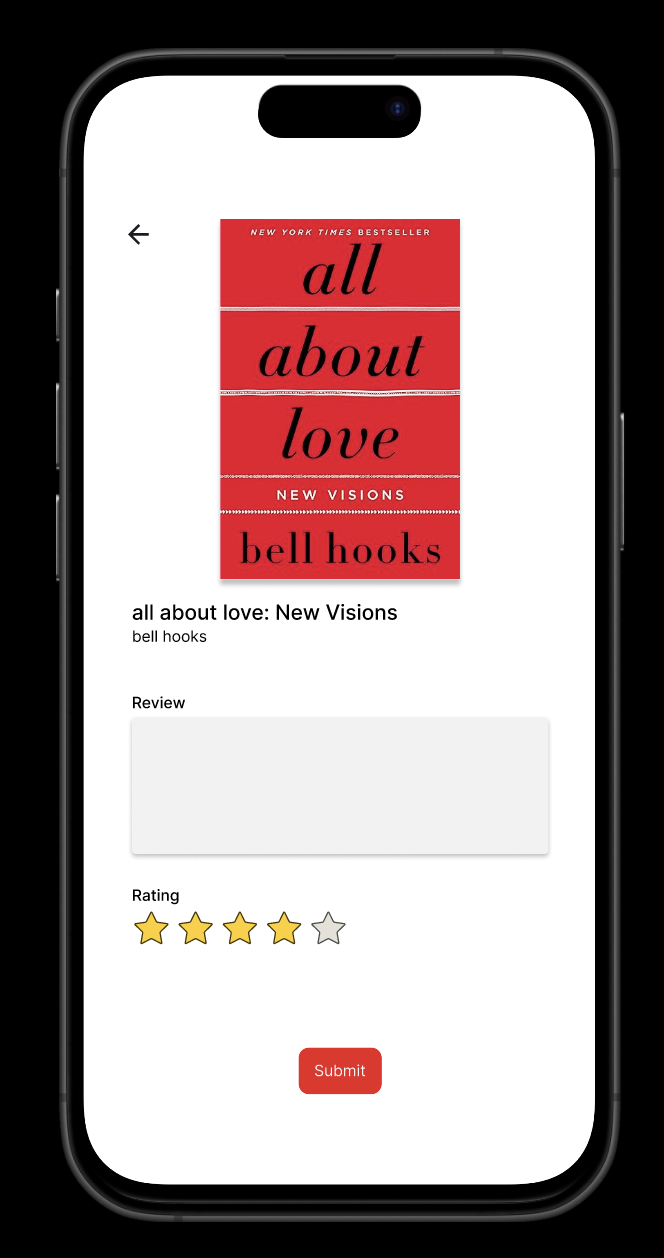
The form should support a small set of useful inputs: a rating or sentiment choice, a short written comment, and an optional category such as bug, feature request, or general feedback. If the flow is multi-step, each step should feel necessary, not decorative. Keep the user oriented with a visible title, step count if needed, and a clear way to go back without losing text.
Handle the full submission path. Show what happens while feedback is sending, what success looks like, and what to do if submission fails. After submit, confirm receipt and say whether the user should expect a reply, a follow-up email, or no response at all. If helpful, include a lightweight prompt for attaching context like a screenshot or selecting the current page.
What to deliver
- Design the feedback entry point from the product surface.
- Build a feedback form with rating, text, and optional category selection.
- Include a review step before submission.
- Show submitting, success, and failure states.
- Add a post-submit confirmation with next steps or follow-up expectations.
While designing the feedback flow, use persuasive design techniques to motivate users to complete the form. For instance, show progress indicators or offer rewards for submitting feedback to increase participation rates.