Gallery
See what others have created
pola
@pola
Browse & Discover
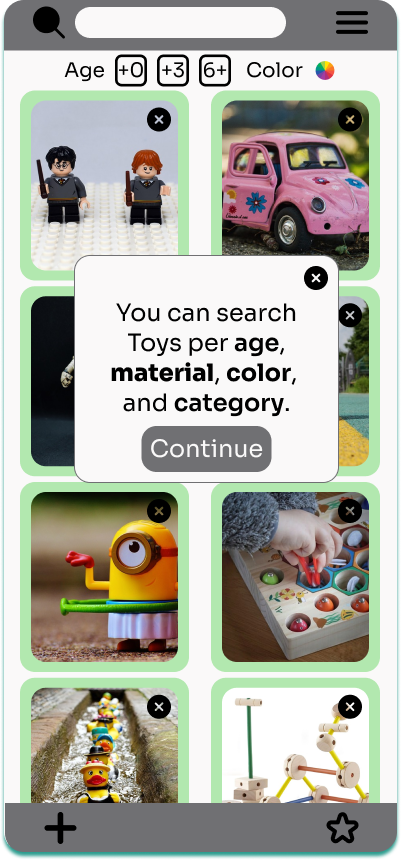
Design a browse-and-discover screen for a content or product catalog. The page should let people scan a set of items quickly, narrow the list with controls, and spot new things worth opening. Start with a clear browsing area: cards or rows should show the minimum useful data needed to compare items fast. Put search, filters, and category tabs where they are easy to reach, and make it obvious how results change as the user refines the list. Add a discovery strip or module that surfaces recommended, trending, or recently added items. This section should feel different from the main catalog but still fit the same visual system. If you include hover details, preview drawers, or quick-view actions, keep them lightweight so users can inspect an item without losing their place. The screen should support empty, loading, and no-results states with a clear next step. Keep the layout calm and scannable; the goal is to help users browse confidently and discover something new in the same pass.
What to deliver
- Design a browse grid or list with item cards and clear hierarchy.
- Add search, filters, and category controls near the top of the screen.
- Create a discovery section for recommended, trending, or new items.
- Include quick-view or preview behavior for deeper inspection without leaving the page.
- Show empty, loading, and no-results states for the browse experience.
Infuse the design with micro-interactions to delight users as they explore and find hidden gems.